Logitech G602 Wireless Gaming Mouse
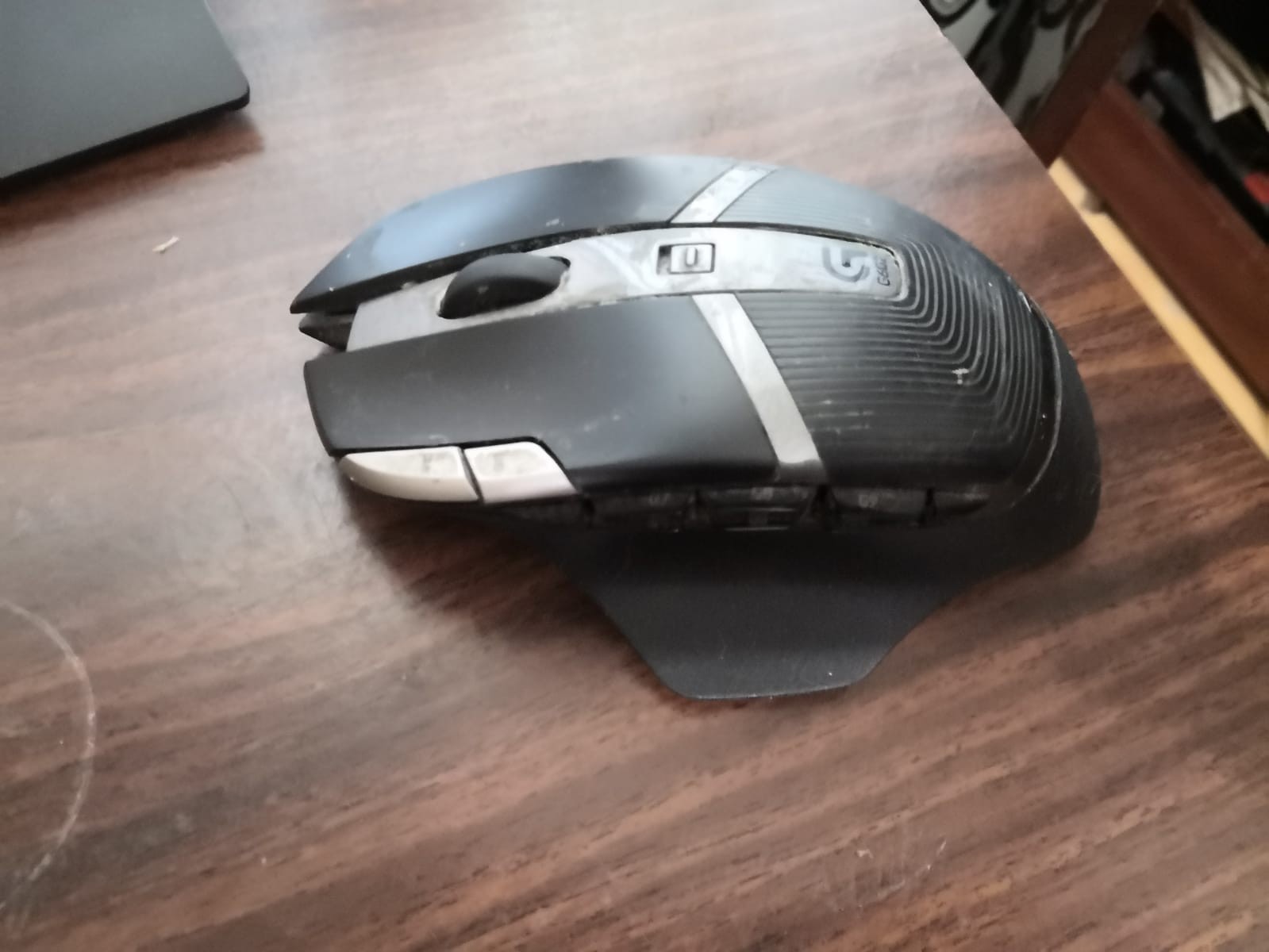
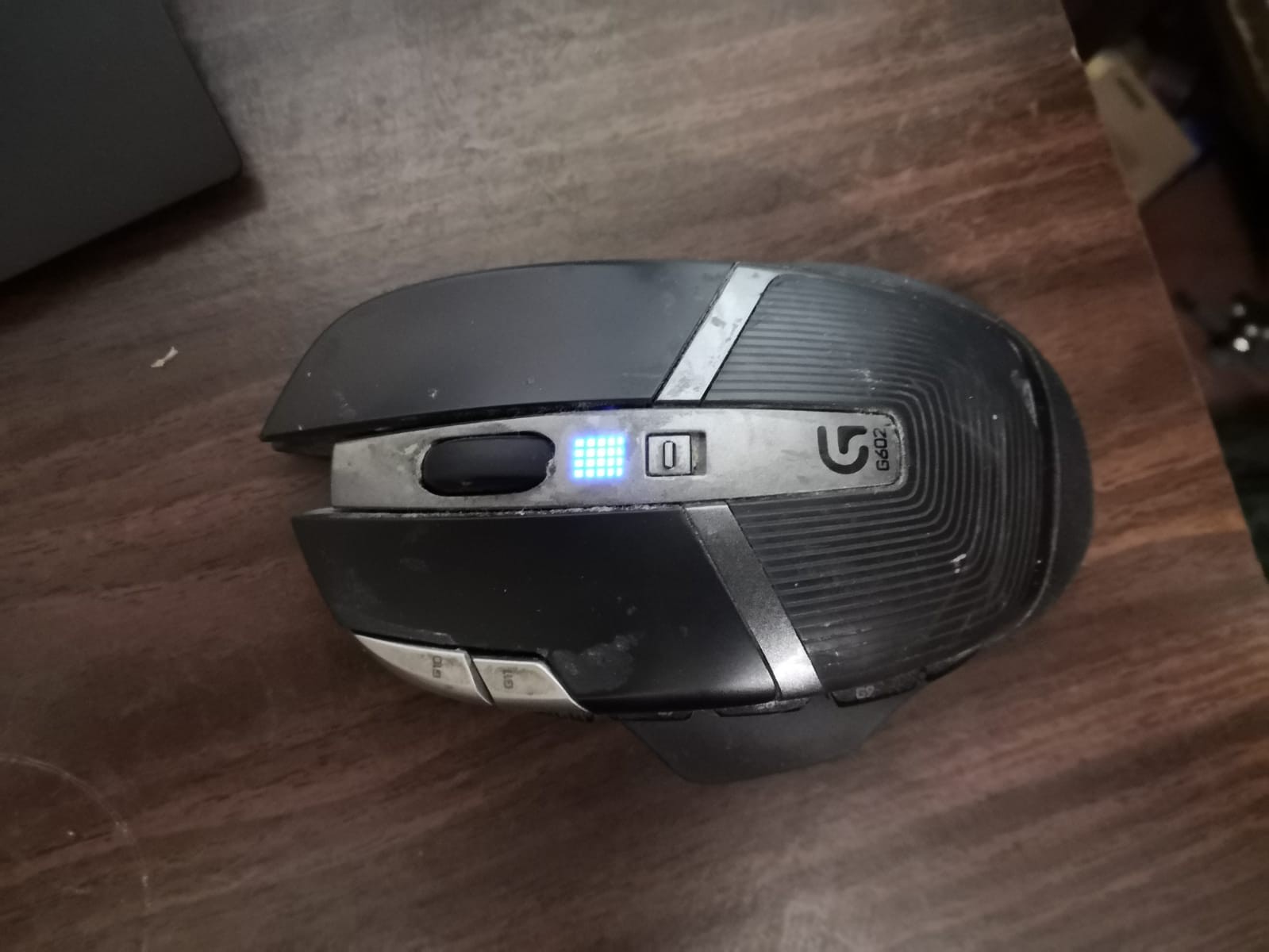
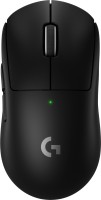
 | Outdated Product A fairly advanced gaming mouse with 11 buttons on board, most of which the user can programme for various commands. Some of the keys are installed on the side, some — on the front surface of the case, where there is also a wheel that is used to scroll the image up and down or perform specific functions in games. The maximum resolution of the optical sensor is 2500 dpi, which provides the device with a sufficiently high cursor movement speed necessary for comfortable gaming during dynamic gaming sessions. The Logitech G602 Wireless Gaming Mouse connects to a computer via a radio channel using the standard 2.4 GHz frequency for this, and a small USB adapter is used to receive the signal, which must be connected to a PC or laptop. The device is powered by two AA batteries. Please note that th...e touch resolution can be changed directly during the game using a separate switch, and the current resolution is always "displayed" using a special DPI level indicator. The mouse is made in black, equipped with grey inserts and has a fairly aggressive body shape, which once again emphasizes that this is a gaming model. At the same time, it is worth paying attention to the fact that the device is “sharpened” for right-handed use. |


 |
Logitech G602 Wireless Gaming Mouse | |||||||||||||||||||||||||||||||||||||||||||||||||||||||
|
| ||||||||||||||||||||||||||||||||||||||||||||||||||||||


A fairly advanced gaming mouse with 11 buttons on board, most of which the user can programme for various commands. Some of the keys are installed on the side, some — on the front surface of the case, where there is also a wheel that is used to scroll the image up and down or perform specific functions in games. The maximum resolution of the optical sensor is 2500 dpi, which provides the device with a sufficiently high cursor movement speed necessary for comfortable gaming during dynamic gaming sessions.
The Logitech G602 Wireless Gaming Mouse connects to a computer via a radio channel using the standard 2.4 GHz frequency for this, and a small USB adapter is used to receive the signal, which must be connected to a PC or laptop. The device is powered by two AA batteries. Please note that the touch resolution can be changed directly during the game using a separate switch, and the current resolution is always "displayed" using a special DPI level indicator. The mouse is made in black, equipped with grey inserts and has a fairly aggressive body shape, which once again emphasizes that this is a gaming model. At the same time, it is worth paying attention to the fact that the device is “sharpened” for right-handed use.
Always clarify the specifications and configuration of the product with the online store manager before purchasing.
Catalog Logitech 2026 - new arrivals, bestsellers, and the most relevant models Logitech.














1 2 1 0 |
Wait until the price drops (and it will), in 2014 I bought it for approximately 37 EUR. Two years later the middle button under the scroll wheel broke down, I ordered one for 0.18 EUR and replaced it myself. In 2020, the left mouse button started to fail - a double click appeared, so I ordered two for 0.60 EUR (50 million clicks). A lot of buttons, you'll need to get used to them. With the Logitech G HUB software, you can assign any buttons (press duration, repetition, etc.), and you can create macros. The middle button and the left button are 99% likely to fail, I don't know what to do now.  Dmitriy Burenkov: use Logitech G602 Wireless Gaming Mouse more than year Dmitriy Burenkov: use Logitech G602 Wireless Gaming Mouse more than year |
Overall, the mouse is good, but it has one issue. Over time, it develops a double-click problem for some users. It seems like a good mouse, but the warranty has expired, and it needs to be replaced. Ergonomics, a large number of buttons Double click over time use Logitech G602 Wireless Gaming Mouse more than year |
After almost a year since purchase, the button on the scroll wheel died. I got it replaced under warranty. About a year later, the same situation happened again. And yet another year later, when I called the store again with the same problem, they recognized me and immediately offered a refund :D Conclusion: If you're not a 3D modeler or an engineer, it's unlikely you'll press the scroll wheel button so many times over several years to break it. (By the way, the wheel itself worked, scrolling up and down without any issues - ONLY THE BUTTON) Ergonomics, customizable additional keys. 1. Old Logitech app. (It's strange they don't support it, the mouse is pretty cool, actually) 2. With active use of the roller button (such as moving through a blueprint, or if you need to manipulate a 3D model) - it will last "about a year". 3. Runs on batteries. 4. No Bluetooth. Nik Romanov: use Logitech G602 Wireless Gaming Mouse more than year |
- On-the-fly sensitivity adjustment
- Up to 250 hours of work in performant mode
- Up to 1440 hours of operation in economy mode