
Corsair M65 PRO RGB
 |

 |
Close
Corsair M65 PRO RGB | |||||||||||||||||||||||||||||||||||||||||||||||||||||||||||||||||||||||||
|
| ||||||||||||||||||||||||||||||||||||||||||||||||||||||||||||||||||||||||


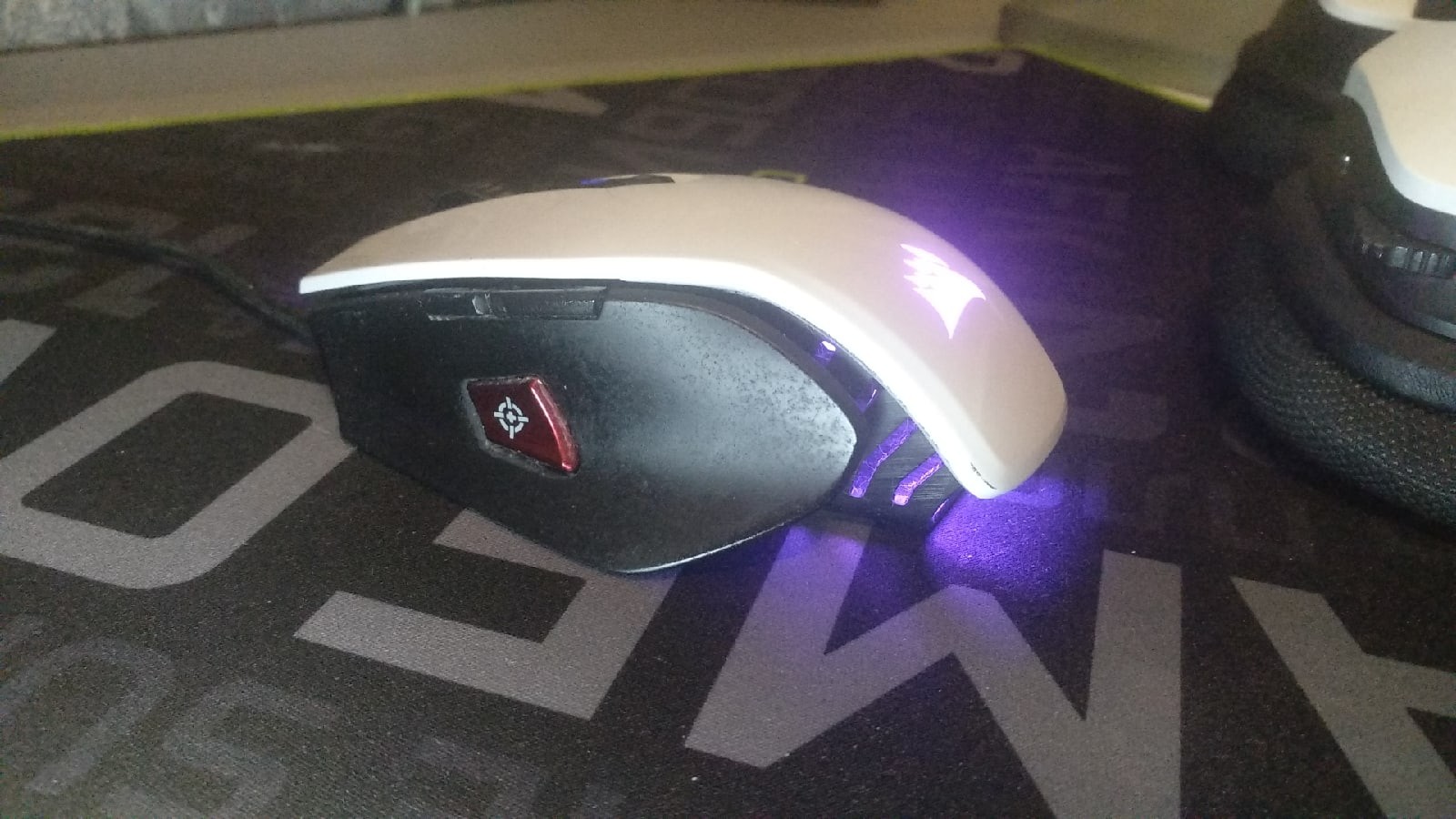
Solid aluminium body. Braided cable.
The information in the model description is for reference purposes.
Always clarify the specifications and configuration of the product with the online store manager before purchasing.
Catalog Corsair 2026 - new arrivals, bestsellers, and the most relevant models Corsair.
Always clarify the specifications and configuration of the product with the online store manager before purchasing.
Catalog Corsair 2026 - new arrivals, bestsellers, and the most relevant models Corsair.

How to choose a gaming mouseWe'll look at grip types, sensor sensitivity, pushbutton switches, and other important nuances
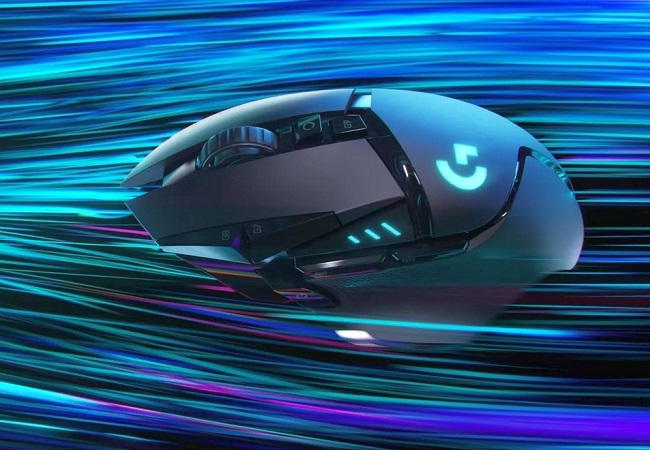
Branded technologies in computer mice worldWhat technologies are in mice and what benefits they give in particular tasks
AccessoriesAll accessories for Corsair M65 PRO RGB →







Model overview based on user reviews
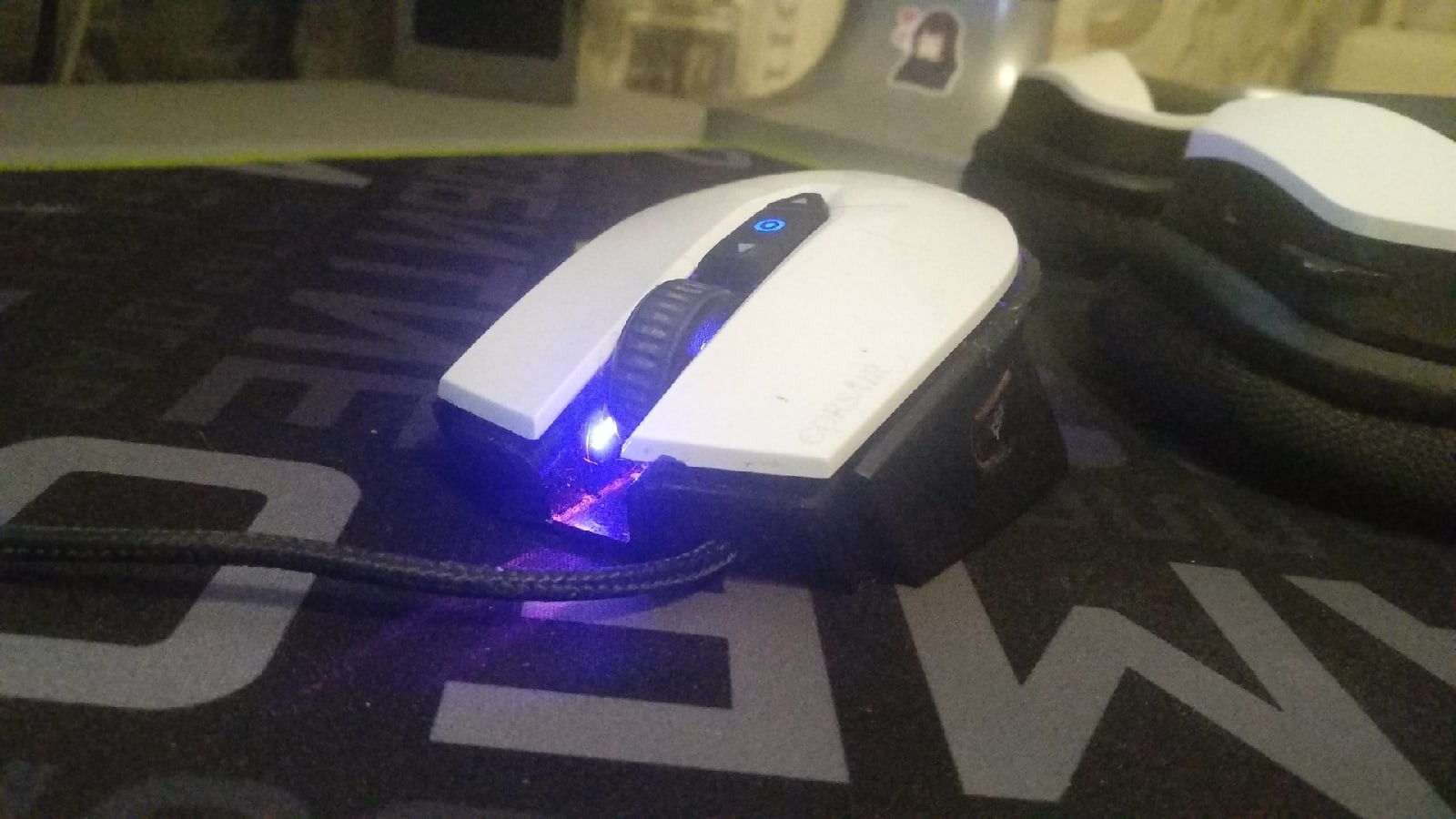
The Corsair M65 PRO RGB is a gaming mouse that integrates well with the iCUE ecosystem, offering good software with numerous settings and a reliable sensor with a minimum DPI of 100. It supports five profiles for DPI changes with saved settings and quick switching, and it features a solid aluminum body and a braided cable. The mouse is designed for a claw grip and includes RGB lighting across three zones. However, users have noted some drawbacks, such as blind spots near the wheel where clicks may not register, and the mouse tends to accumulate dirt in hard-to-clean areas. Additionally, the left mouse button may occasionally stick, and the glossy parts, especially in the white version, are prone to chipping and wear. Despite these issues, the mouse fits well in the hand and is considered a normal model with nothing particularly special.
Pros
Cons
Good iCUE ecosystem The keys have blind spots, next to the wheel - where clicks simply don't count  milsennius: use Corsair M65 PRO RGB more than year milsennius: use Corsair M65 PRO RGB more than year |
Initially, it was a little unusual to use it (the square scroll wheel), but later I got used to it and now I don’t notice it. Fits well in the hand. I took it for 3000 rubles. Good software (ICUE), many settings, good sensor (minimum DPI-100 and it reads everything), 5 profiles for changing DPI with saved settings and quick switching. Looks very good. The main drawback is that the mouse constantly gets very dirty, with many hard-to-reach gaps where dirt gets trapped and is difficult to remove. Additionally, dirt accumulates around the buttons. Sometimes (very rarely) the LMB sticks, and you need to press it again to unstick it, which happens roughly once every two to three days. I got the white version, and the glossy part (white in color) is prone to chipping and wear. (The mouse already came out of the box with a small chip, but in a not particularly noticeable place)  Sergey Akishin: use Corsair M65 PRO RGB more than year Sergey Akishin: use Corsair M65 PRO RGB more than year |
Add Review
Video reviews

Corsair Gaming M65 PRO RGB Gaming Mouse Review
14 July 201622 637 view

Corsair M65 Pro RGB Review - Could You Tell The Difference?
17 December 20162 085 view

Mouse Corsair Gaming M65 PRO RGB FPS
20 March 2017311 view

The Only Gaming Mouse You May Ever Need! Corsair M65 PRO RGB
13 July 2020310 view

Corsair M65 Pro RGB Gaming Mouse
27 December 2017189 view
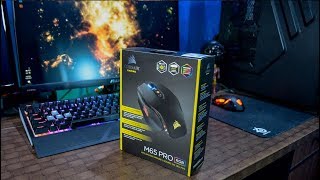
$35 Corsair M65 PRO RGB Unboxing & Overview
21 December 2017179 view

CORSAIR M65 PRO RGB MOUSE UNBOXING (HINDI)
20 June 2019155 view

Corsair M65 Pro RGB - My Review!
21 May 2017137 view

CORSAIR Game M65 Pro RGB Preview!
18 April 2019128 view

CORSAIR M65 Pro RGB FPS Gaming Mouse 12,000 DPI Optical Sensor Unboxing and Review
10 October 2019117 view

Quick Unboxing and First Impression of Corsair M65 Pro RGB Gaming Mouse
2 December 2017111 view

Corsair M65 Pro RGB Mouse Review
12 January 2019110 view
We recommendCompare using chart →

gaming mouse, wired, USB A, buttons: 10, programmable, + wheel, Omron, weight adjustment, RGB backlight, sensor 16000 DPI

gaming mouse, wired, USB A, buttons: 10, programmable, + wheel, Zippy, weight adjustment, RGB backlight, sensor 20000 DPI, in box: replaceable side panels
gaming mouse, wired, USB A, with memory, buttons: 8, programmable, + wheel, 4D, Omron, RGB backlight, sensor 16000 DPI


Bluetooth/radio, BT v 5, Multi-Device, buttons: quiet, 7, programmable, + wheel, sensor 8000 DPI, battery, 650 mAh, up to 70 days

gaming mouse, radio / Bluetooth / wired, USB A, with memory, buttons: 6, programmable, + wheel, 4D, Razer, opto-mechanical, RGB backlight, sensor 30000 DPI, battery, up to 150 h

gaming mouse, radio / wired, USB A, with memory, buttons: 6, programmable, + wheel, opto-mechanical, RGB backlight, sensor 32000 DPI, wireless charger, battery, up to 95 h


gaming mouse, radio / Bluetooth / wired, USB A, BT v 5, Multi-Device, with memory, buttons: 4, programmable, + wheel, mechanical, RGB backlight, sensor 36000 DPI, in box: additional switches, replaceable legs, battery, 370 mAh, up to 119 h

gaming mouse, Bluetooth/radio, Multi-Device, with memory, buttons: 6, programmable, + wheel, Razer, mechanical, RGB backlight, sensor 18000 DPI, 1xAA

gaming mouse, radio, with memory, buttons: 5, programmable, + wheel, sensor 30000 DPI, 1xAA