
Aula F2088 Pro
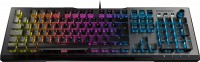
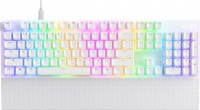
 | Expecting restock Stylish mechanical keyboard with a transformable case. The top pad has a quick-release magnetic fixation; when the face plate is detached, the body of the keyboard turns from a closed format into a skeleton. Closed design improves keystroke accuracy and speed. Skeleton adds style to the device and allows for a clean layout between the buttons. The Aula F2088 Pro mechanical keyboard is equipped with blue KRGD switches with a decent working life of 60 million clicks. The Pro version uses expanded equipment; additionally, replaceable keys are available that contrast with the color design of the main buttons. The factory keycap remover makes it easy to replace caps. The keyboard is equipped with a metal plate, which increases the rigidity and strength of the structure.... This keyboard makes pressing the buttons more comfortable. The layout is complemented by a control wheel and three auxiliary keys for multimedia settings. There is an option to adjust the angle of the keyboard. The cord is not removable. The interface for connecting to a computer is USB-A, the cable length is 1.65 cm. This model is available in several colors: white and black. |


 |





Aula F2088 Pro | ||||||||||||||||||||||||||||||||||||||||||||||||||||||||||||||||||||||||
|
| |||||||||||||||||||||||||||||||||||||||||||||||||||||||||||||||||||||||


Stylish mechanical keyboard with a transformable case. The top pad has a quick-release magnetic fixation; when the face plate is detached, the body of the keyboard turns from a closed format into a skeleton. Closed design improves keystroke accuracy and speed. Skeleton adds style to the device and allows for a clean layout between the buttons. The Aula F2088 Pro mechanical keyboard is equipped with blue KRGD switches with a decent working life of 60 million clicks.
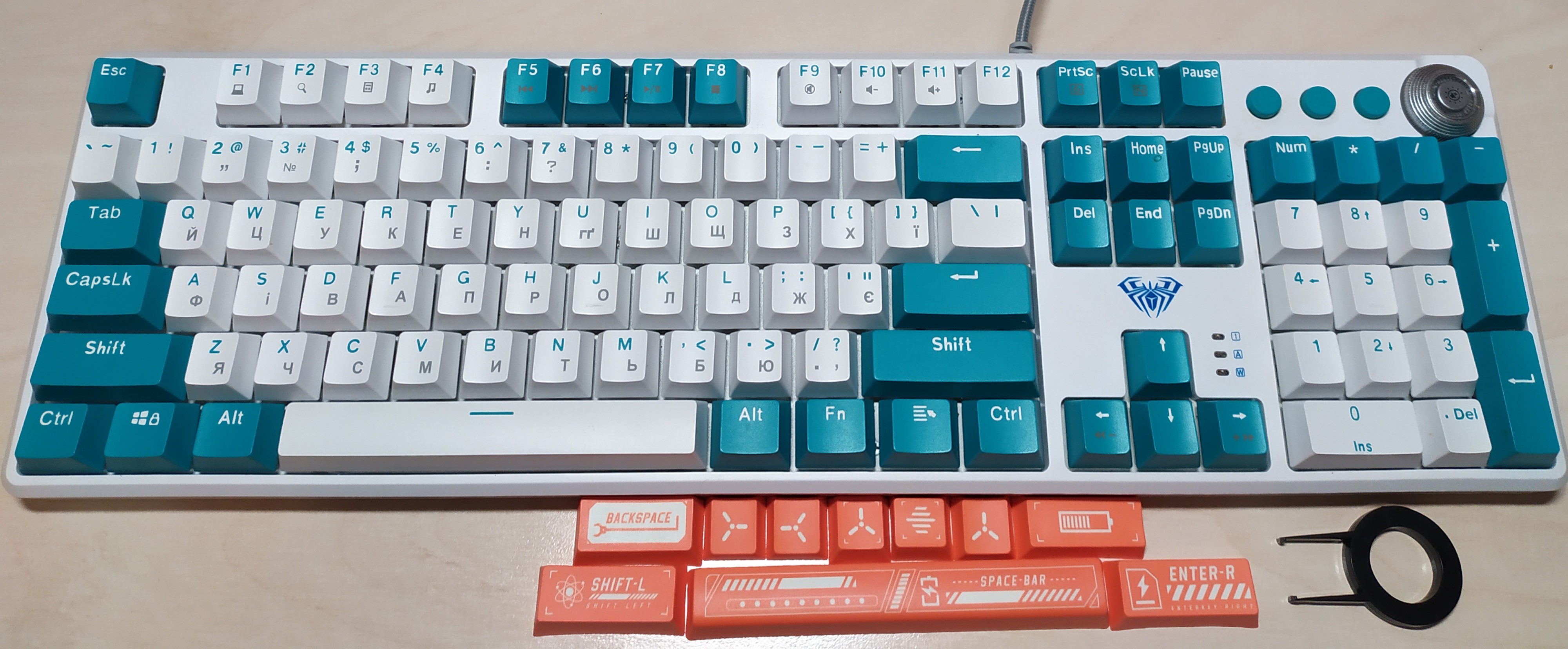
The Pro version uses expanded equipment; additionally, replaceable keys are available that contrast with the color design of the main buttons. The factory keycap remover makes it easy to replace caps. The keyboard is equipped with a metal plate, which increases the rigidity and strength of the structure. This keyboard makes pressing the buttons more comfortable. The layout is complemented by a control wheel and three auxiliary keys for multimedia settings. There is an option to adjust the angle of the keyboard. The cord is not removable. The interface for connecting to a computer is USB-A, the cable length is 1.65 cm. This model is available in several colors: white and black.
Always clarify the specifications and configuration of the product with the online store manager before purchasing.
Catalog Aula 2026 - new arrivals, bestsellers, and the most relevant models Aula.






The keystrokes do not require full pressing, which makes typing a pleasure. After six months of use, the keys have not become dirty. The Skeleton design allows for thorough cleaning from dirt. The wire is too short. You can't place it far from the PC. With some selected lighting modes, as well as when turned off, the number 2 in the upper region of the keyboard starts glitching. The additional orange keys included in the set are noticeably taller than standard ones when installed on the keyboard. As a design solution, it's good, but the execution is lacking. The driver from the manufacturer leaves much to be desired, with very rudimentary macro settings. (basically, anything you set cannot be disabled later) - only resetting to factory settings solves the problem.  Oleksiy K: use Aula F2088 Pro few months Oleksiy K: use Aula F2088 Pro few months |
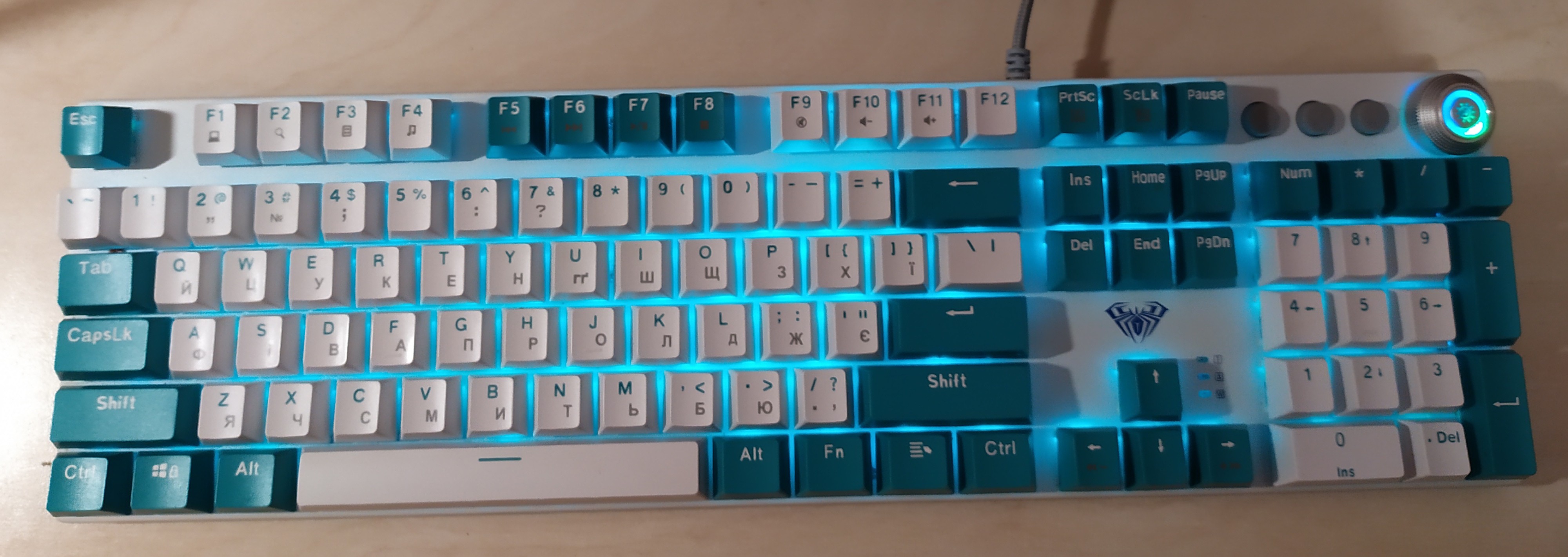
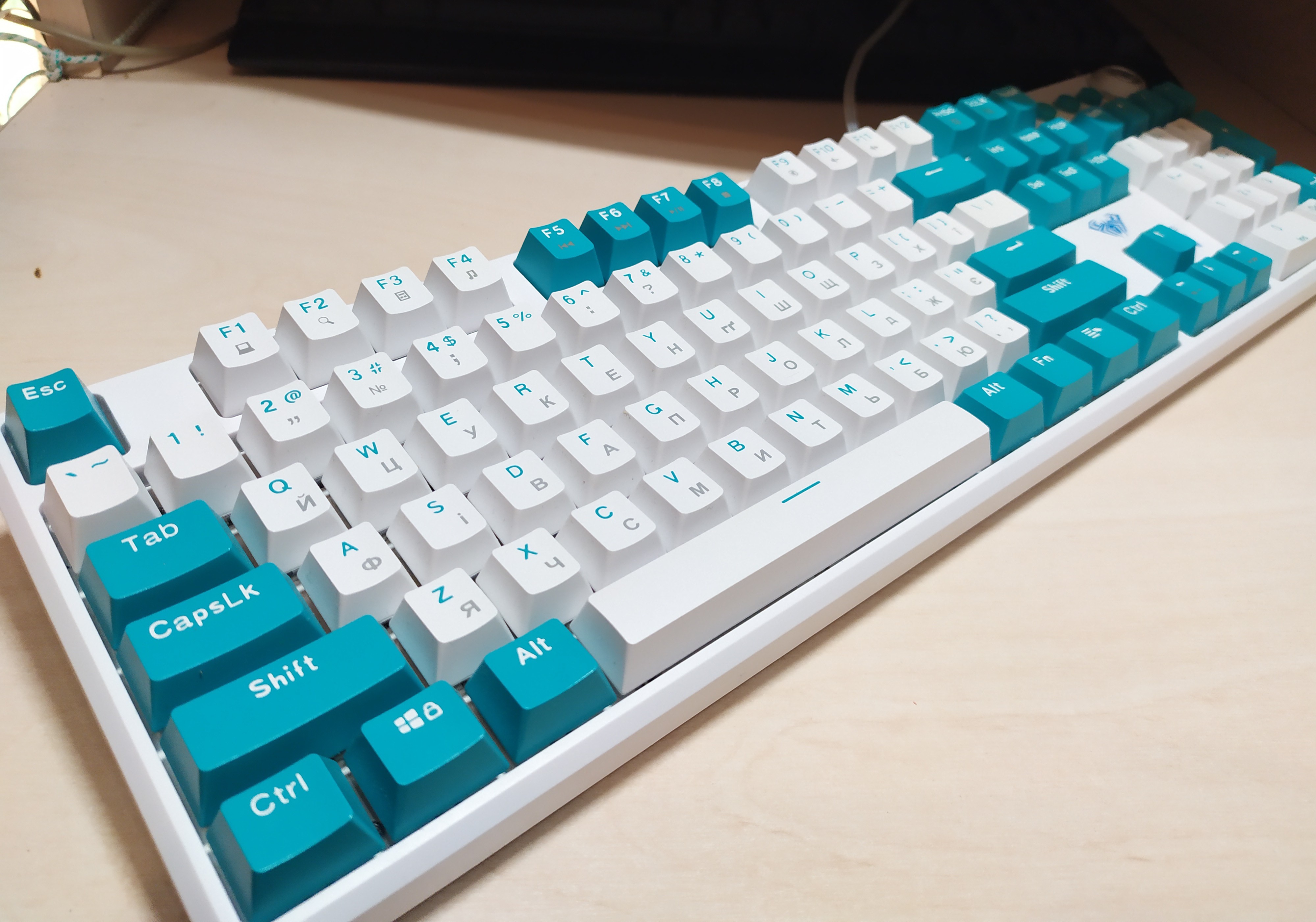
You can't properly adjust the backlight because it flickers and just shines from under the keys, with symbols simply printed on the keys. No matter how you adjust the backlight, it will flicker, which is quite uncomfortable for the eyes. Advantages do not apply to this keyboard. The backlighting is a very big downside.  Dmitriy Korzhunov: use Aula F2088 Pro less than month Dmitriy Korzhunov: use Aula F2088 Pro less than month |
I bought it a month ago, thinking it would be a perfect replacement for my old keyboard. Well, in short, it seems like every day I want to throw this keyboard more and more into the waste bin. Unclear plugs, cheap materials, noisy pressure on the keys, just really bad. There is no difference in design here, but it is good for every skin Having described Having described Renat: use Aula F2088 Pro less than month |


The keyboard can operate in two modes:
The first is when any number of keys can be pressed.
The second mode is limited, allowing up to six keys to be pressed simultaneously. For those working in music editors, this device can partially replace a midi keyboard.
The key backlighting is quite good, with adjustable brightness. Although I don't use it often, sometimes in the evenings it's quite handy (usually, it's the backlighting mode of the pressed key or the row it is in).