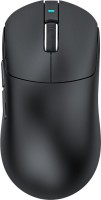
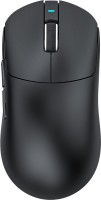
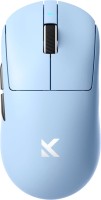
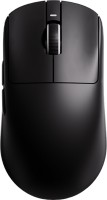
Attack Shark X11
 |

 |
Attack Shark X11 | |||||||||||||||||||||||||||||||||||||||||||||||||||||||||||||||||||||||||||||
|
| ||||||||||||||||||||||||||||||||||||||||||||||||||||||||||||||||||||||||||||


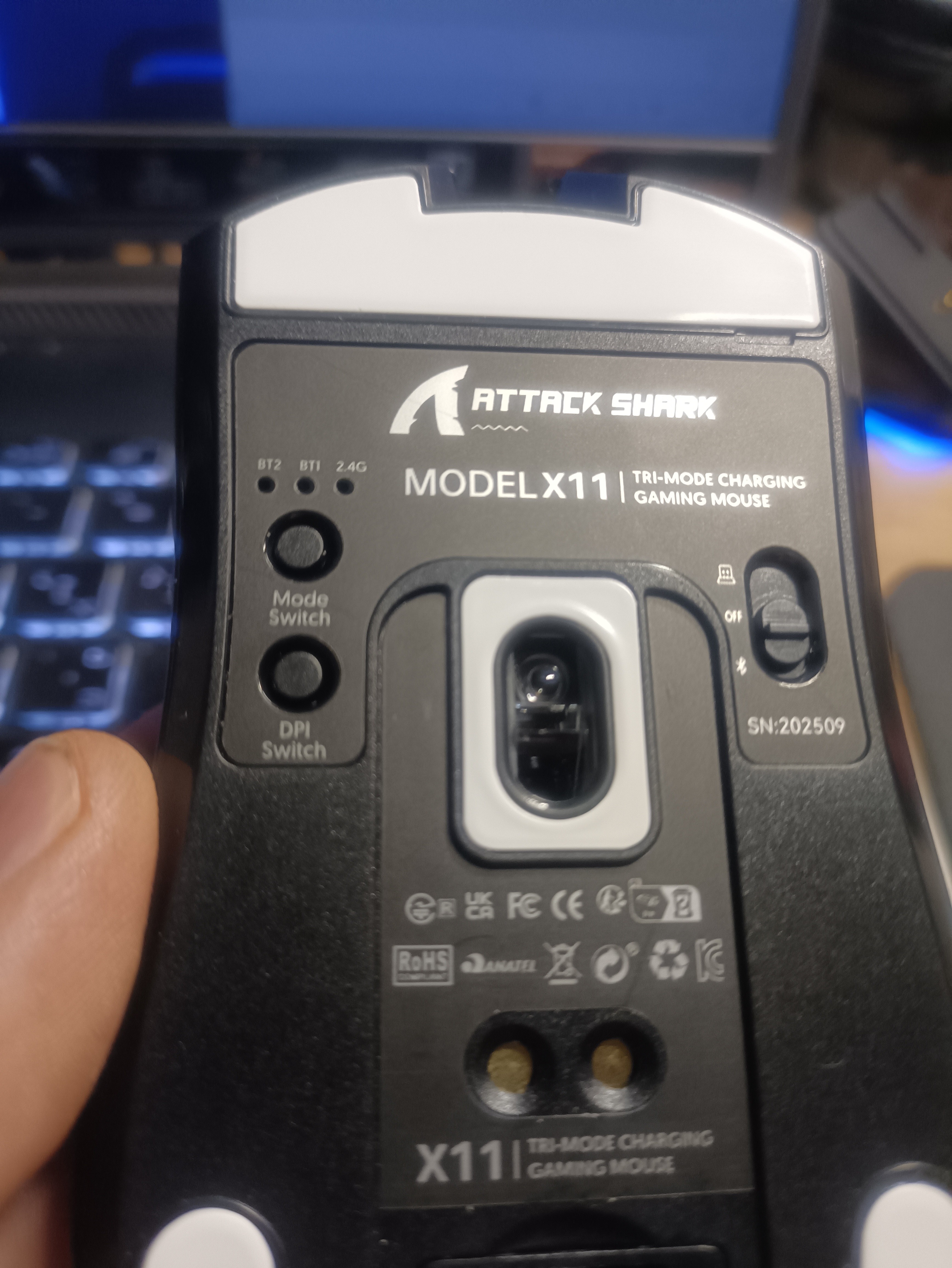
Universal mouse with three connection options (Bluetooth, radio channel, removable cable), programmable buttons, high-quality optical sensor, and a convenient charging dock. It is positioned as a budget-friendly product for 2025, designed for gamers who value multifunctionality and usability with multiple devices simultaneously. It is also ideal for users working with several computers and/or laptops, who find the quick-switching capability between devices without the need for re-pairing important.
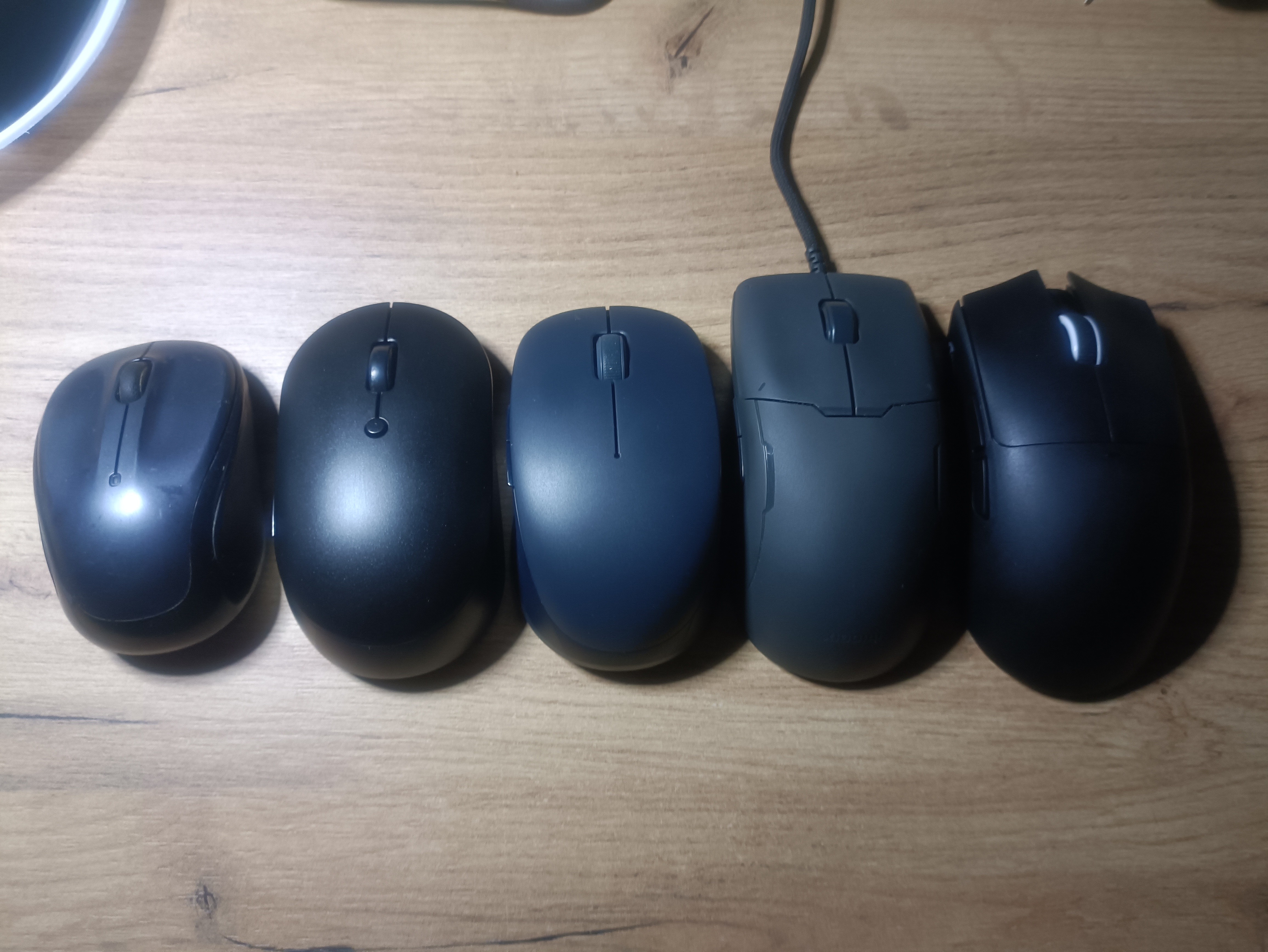
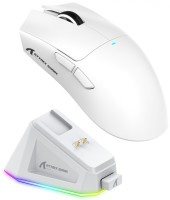
The compact body size and moderate weight of 63g make the Attack Shark X11 mouse comfortable for extended use and do not create significant inertia during fast movements. The Multi-Device feature allows connecting the device to multiple computers at once and switching between them instantly with the press of a button. The PixArt 3311 optical sensor provides precise cursor positioning over a wide range of resolutions from 800 to 22000 DPI, maintaining stable performance with accelerations up to 40G. Huano mechanical switches are rated for 20 million clicks, ensuring a long lifespan. The built-in 300 mAh battery offers up to 65 hours of autonomous operation, and the included dock station allows convenient device charging and keeps it ready at all times.
Always clarify the specifications and configuration of the product with the online store manager before purchasing.
Catalog Attack Shark 2026 - new arrivals, bestsellers, and the most relevant models Attack Shark.



1 0 3 2 |
nothing breaks the sensor, erases the glides |
I recommend the mouse for work and games; grips are already included, so it's comfortable to use right away. The mouse has a good sensor, it's lightweight, white in color, and looks very nice. The plastic of the mouse and dock station feels pleasant to the touch and is of good quality. The buttons have a nice sound and are very easy to press, and the scroll wheel is convenient to use. I really like the dock station — you can quickly place the mouse on the charger, walk away, and then come back and immediately continue playing. The charge lasts a long time — I've been using it for two days without recharging. And thanks to the hybrid connection, it can be used via cable, a small USB dongle, or directly in the dock station. There are only two main drawbacks: a barely noticeable button wobble, which is only noticeable with strong left-right movement and not noticeable during normal use, and a cable whose quality is between low and medium. I can't say anything about the glides yet. I don't use grip tapes because it's comfortable without them for now, but I might try them in the future.  Oleksandr Ivankiv: use Attack Shark X11 less than month Oleksandr Ivankiv: use Attack Shark X11 less than month |
Cool mouse. I'm not a gamer at all, I don’t understand the details. It was given to me as a gift. But as a very casual PC gamer, I can say that the mouse's accuracy is top-notch. Having a docking station is awesome! This is actually my first real gaming mouse, and the software for setting it up satisfied me. The battery life is very good for a gaming mouse. I don't know what else to add. It fits my hand perfectly! As for the downsides, I would like to have 1-2 more additional buttons for programming. But that's a minor issue since it's just one of the models. I've seen that the company offers a wide range of mice for every taste and need. Docking station, shape, holds well, very accurate, affordable Backlight (one multi-colored flashlight - not serious. At least a ribbon on the rim like in Xiaomi Gaming) Douk Douk: use Attack Shark X11 less than month |