
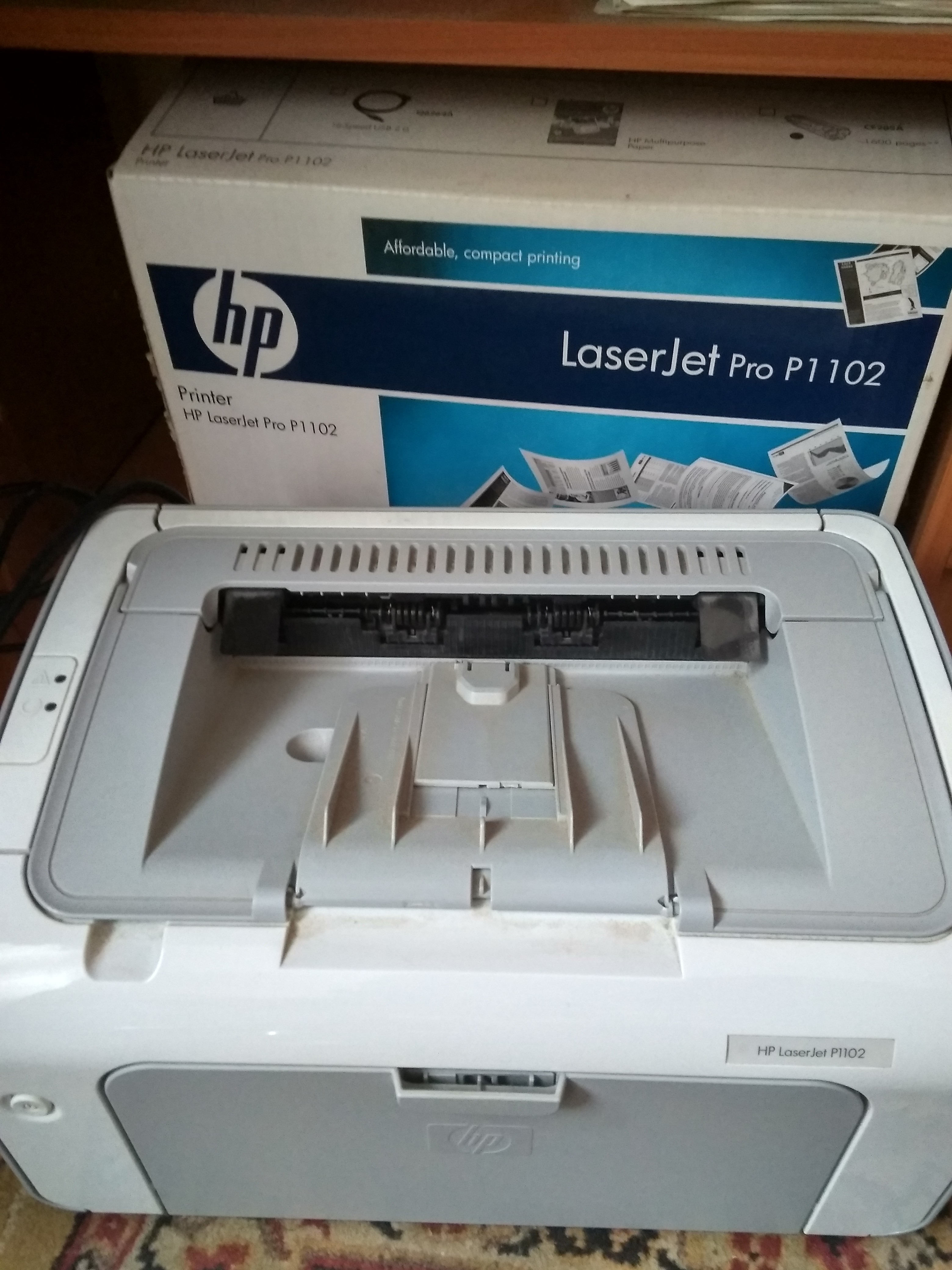
HP LaserJet Pro P1102
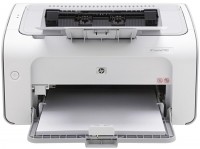 | Expecting restock Print formats: A4; Print type: laser; Output type: monochrome; Mono print (ppm): 18; Mono cartridge resource (page): 1600; Data transfer: PC connection (USB B); Screen: no display; Grammage (max) (g/m²): 163; RAM (MB): 2; Dimensions (WxDxH) (mm): 349x238x196; |


 |
Close
We recommend products in stockPrinters HP →

HP LaserJet Pro P1102
Type:monochrome, laser
Format:A4
Connection:USB type B
Print Resolution:600x600 dpi
B/W printing:18 ppm
Number of cartridges:1
All specifications
Specifications LaserJet Pro P1102
|
| ||||||||||||||||||||||||||||||||||||||||||||||||||||||||||||||||||||||||||

The information in the model description is for reference purposes.
Always clarify the specifications and configuration of the product with the online store manager before purchasing.
Catalog HP 2026 - new arrivals, bestsellers, and the most relevant models HP.
Always clarify the specifications and configuration of the product with the online store manager before purchasing.
Catalog HP 2026 - new arrivals, bestsellers, and the most relevant models HP.
Series HP LaserJet (laser, office)


monochrome, laser, A4, printing 1200х1200 dpi, 2-side print, scanning 1200х1200 dpi, 2-side scanning, autoscan, RAM 512 MB, fast CPU, LAN, Wi-Fi Direct, AirPrint, Bluetooth
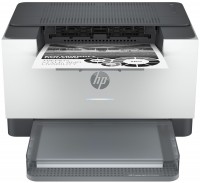

monochrome, laser, A4, printing 600х600 dpi, scanning 600х600 dpi, RAM 64 MB, Wi-Fi Direct, AirPrint, Bluetooth

monochrome, laser, A4, printing 600х600 dpi, 2-side print, scanning 600х600 dpi, RAM 64 MB, LAN, Wi-Fi Direct, AirPrint, Bluetooth

colour, flowers 4, laser, A4, 600x600 dpi, b/w 18 ppm, color 4 ppm, Wi-Fi Direct, AirPrint
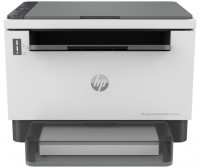
monochrome, laser, A4, printing 600х600 dpi, 2-side print, scanning 600х600 dpi, RAM 64 MB, LAN, Wi-Fi Direct, AirPrint, Bluetooth

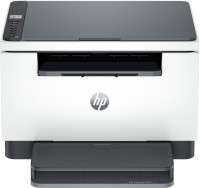
monochrome, laser, A4, printing 600х600 dpi, 2-side print, scanning 600х600 dpi, RAM 64 MB, AirPrint


monochrome, laser, A4, printing 600х600 dpi, 2-side print, scanning 600х600 dpi, autoscan, RAM 64 MB, LAN, Wi-Fi Direct, AirPrint, Bluetooth


monochrome, laser, A3, printing 1200х1200 dpi, 2-side print, scanning 600х600 dpi, RAM 512 MB, LAN
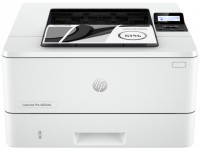
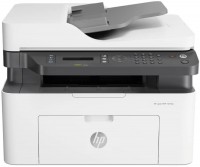
monochrome, laser, A4, printing 1200х1200 dpi, scanning 600х600 dpi, autoscan, RAM 128 MB, LAN, Wi-Fi Direct, AirPrint, fax machine


monochrome, laser, A4, printing 1200х1200 dpi, 2-side print, scanning 1200х1200 dpi, autoscan, RAM 512 MB, LAN, Wi-Fi Direct, AirPrint, Bluetooth, fax machine


colour, flowers 4, laser, A4, printing 600х600 dpi, scanning 600х600 dpi, RAM 128 MB, LAN, Wi-Fi Direct, AirPrint
AccessoriesAll accessories for HP LaserJet Pro P1102 →

0 1 3 0 |
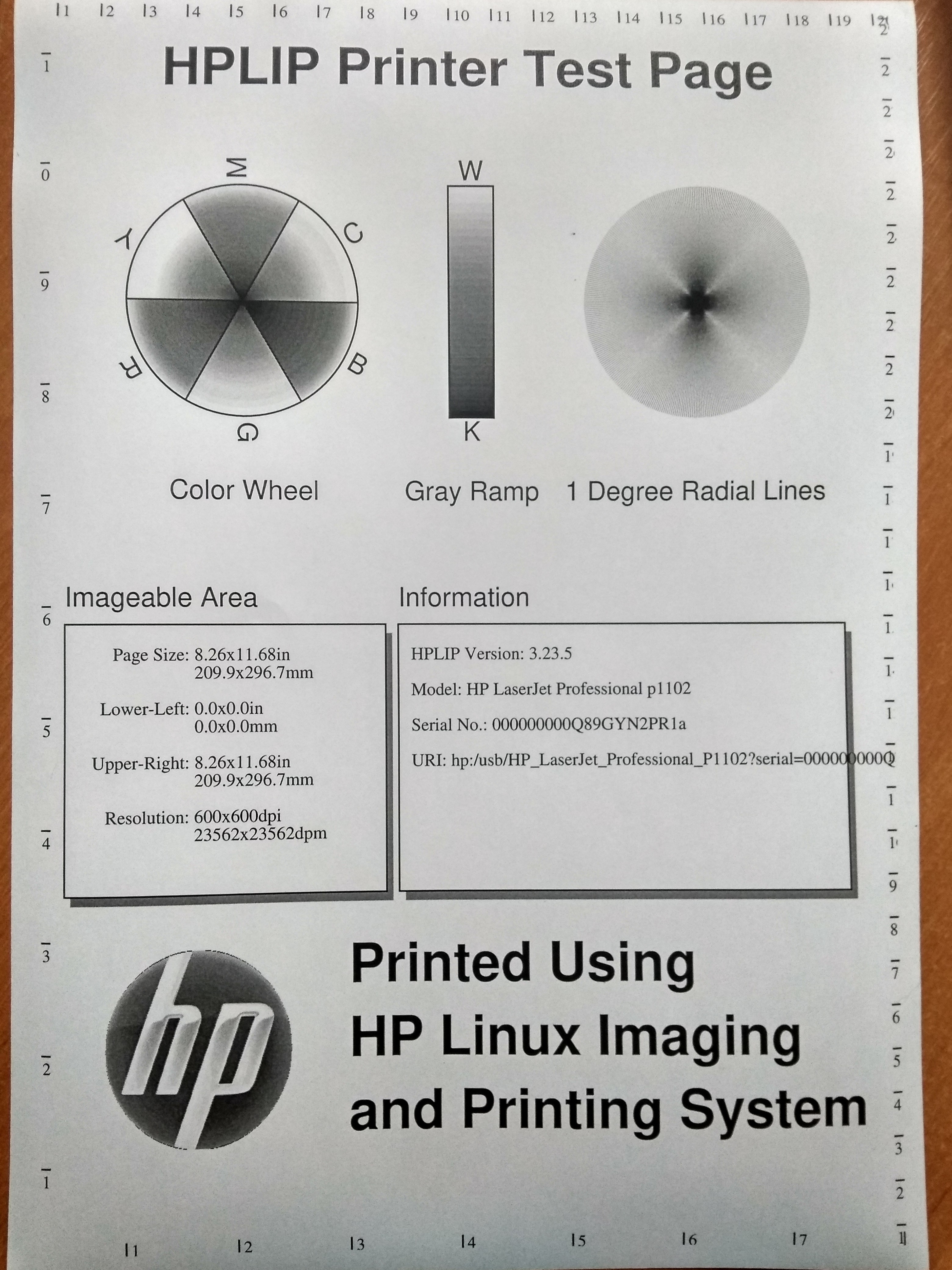
A very simple printer at a very reasonable price. All functionality comes down to black and white printing, it can’t do anything else, but, in general, it shouldn’t be able to do anything else. It does a good job of printing documents. The print quality is excellent - the letters are even, clear, and the sheet of paper itself does not get dirty or wrinkle. Printing occurs quickly - in a minute it turns out approximately 15-20 sheets completely filled with text. I was pleased with its compactness - the printer is small and can be placed on almost any computer desk. The design is minimalist, the device does not attract too much attention - I think this is how it should be. Refilling the cartridge occurs without problems and is not expensive. One refill lasts for a long time (you can print a huge number of pages). There are no controls on the printer itself; everything is done through the computer. Very disappointed with the package contents of the delivery. As it turned out, the usual cable for connecting to a computer was not included and had to be purchased separately (what????). This cable costs next to nothing, why the manufacturer did not include it in the box, I simply do not understand. Unfortunately, the printer does not support automatic duplex printing, and sometimes this causes additional difficulties in use (yes, I know I chose it myself, but still, the realization of its necessity came later). |
It’s quite suitable for the home if you don’t pay attention to the noticeable marks from the rollers. As for the resource, depending on your luck, a lot depends on the quality of the components - everyone wants to save money and get the maximum profit, but only within reason. It prints quickly, the chip does not block printing, but only makes you crazy about replacing the cartridge. leaves two long dents on the paper from the rollers, which look rather ugly. For example, Canon does not do this. It can grab several sheets, regardless of the quality of the paper - this is especially noticeable during multi-page duplex printing in manual duplex mode. use HP LaserJet Pro P1102 month or more |
While using Windows 7, there were constant issues where the driver simply wouldn't install on the first try and would definitely stop working later, but on Linux, the necessary packages (cups, hplip, hplip-plugin) install according to the instructions without problems, and everything works. No unnecessary buttons, everything is done through the OS Prints quite well, the ink doesn't stick to fingers or anything else Includes a cable for connection to PC/laptop Small, fits under my desk and still has space left Quite noisy No automatic duplex printing  Dmitro Cimbalyuk: use HP LaserJet Pro P1102 more than year Dmitro Cimbalyuk: use HP LaserJet Pro P1102 more than year |
3 out of 4 user review(s) shown
1 more user review(s)
Video reviews

How To Install HP LaserJet Pro P1102 Driver In Windows
9 February 2020268 720 view
Impressora a laser monocromática HP LaserJet Pro P1102W - Resenha Brasil
5 October 2012207 595 view

Unboxing and Setting Up the HP LaserJet Pro P1102W Printer | HP
30 January 2013196 521 view
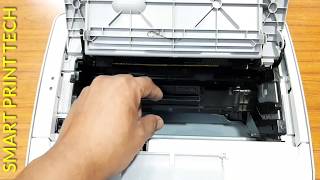
Remove or Replace Cartridge on HP P1102/P1108 Laserjet Printer (Full Specifications & Review)
1 January 202091 963 view

HP LaserJet P1102w Instructional Video
16 January 201755 264 view
HP LaserJet Printer P1102w | Print Dark Light Settings | Secret Hack of HP Printers | Print Density
2 January 202129 527 view

HP LaserJet Pro P1102w Printer Review
16 March 201623 341 view

HP laserjet p1102 simple only review
23 November 20223 033 view
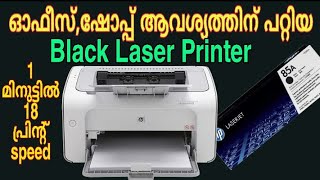
HP P1102/P1108 Laserjet Printer Specifications and Review in MALAYALAM
6 January 20202 686 view
Hp Laser Jet Printing Review P1102 || Priting With Speed
7 October 20202 627 view

HP P1102W Unboxing.
22 January 2012861 view

Unboxing and Setting Up the HP LaserJet Pro P1102W Printer.
8 July 2016176 view
Differences between models:
- Pro P1102 — without Wi-Fi module
- Pro P1102w — there is a Wi-Fi module