
Samsung SCX-3405
 | Outdated Product The model boasts both a stylish design and compact size, as well as a good set of functionality. Allows you to scan, copy and print documents. The control panel is equipped with a convenient display; the print speed is 20 ppm, and the maximum resolution is 1200x1200 dpi. Note that one full charge of the cartridge is enough for 1500 pages. Another noteworthy point is the Print Screen button, which allows you to quickly print the image on the monitor screen. The Wi-Fi-equipped SCX-3405W modification is also on the market. |


 |
Close
We recommend products in stockAll-in-One Printers Samsung →
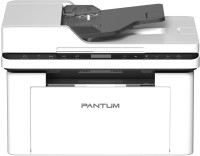
monochrome, laser, A4, printing 1200х1200 dpi, 2-side print, scanning 1200х1200 dpi, 2-side scanning, RAM 256 MB, Bluetooth


monochrome, laser, A4, printing 600х600 dpi, scanning 600х600 dpi, RAM 64 MB, Wi-Fi Direct, AirPrint, Bluetooth

monochrome, laser, A4, printing 1200х1200 dpi, scanning 1200х1200 dpi, autoscan, RAM 128 MB, LAN, Wi-Fi Direct, AirPrint
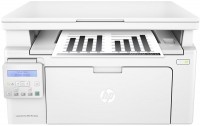
monochrome, laser, A4, printing 1200х1200 dpi, scanning 1200х1200 dpi, RAM 256 MB, Wi-Fi Direct, AirPrint
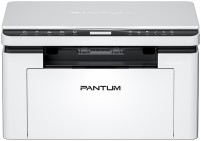
monochrome, laser, A4, printing 1200х1200 dpi, scanning 1200х1200 dpi, RAM 256 MB, Wi-Fi Direct, AirPrint, Bluetooth
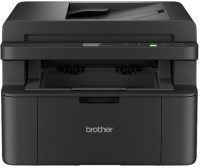
monochrome, laser, A4, printing 2400х600 dpi, scanning 19200x19200 dpi, LAN, Wi-Fi Direct, AirPrint
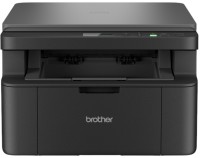
monochrome, laser, A4, printing 2400х600 dpi, scanning 19200x19200 dpi, RAM 128 MB, LAN, Wi-Fi Direct, AirPrint


monochrome, laser, A4, printing 2400х600 dpi, scanning 600х1200 dpi, autoscan, RAM 32 MB, fax machine

monochrome, laser, A4, printing 600х600 dpi, scanning 600х600 dpi, RAM 64 MB, Wi-Fi Direct, AirPrint

monochrome, laser, A4, printing 1200х1200 dpi, scanning 1200х1200 dpi, RAM 128 MB, Wi-Fi Direct, AirPrint


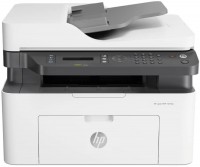
monochrome, laser, A4, printing 1200х1200 dpi, scanning 600х600 dpi, autoscan, RAM 128 MB, LAN, Wi-Fi Direct, AirPrint, fax machine
Samsung SCX-3405
Type:monochrome, laser
Format:A4
Connection:USB B
Print Resolution:1200х1200 dpi
Scanning:4800х4800 dpi
B/W printing:20 ppm
Number of cartridges:1 pcs
The model boasts both a stylish design and compact size, as well as a good set of functionality. Allows you to scan, copy and print documents. The control panel is equipped with a convenient display; the print speed is 20 ppm, and the maximum resolution is 1200x1200 dpi. Note that one full charge of the cartridge is enough for 1500 pages. Another noteworthy point is the Print Screen button, which allows you to quickly print the image on the monitor screen. The Wi-Fi-equipped SCX-3405W modification is also on the market.
All specifications
Specifications SCX-3405
|
| |||||||||||||||||||||||||||||||||||||||||||||||||||||||||||||||||||||||||

The information in the model description is for reference purposes.
Always clarify the specifications and configuration of the product with the online store manager before purchasing.
Catalog Samsung 2026 - new arrivals, bestsellers, and the most relevant models Samsung.
Always clarify the specifications and configuration of the product with the online store manager before purchasing.
Catalog Samsung 2026 - new arrivals, bestsellers, and the most relevant models Samsung.
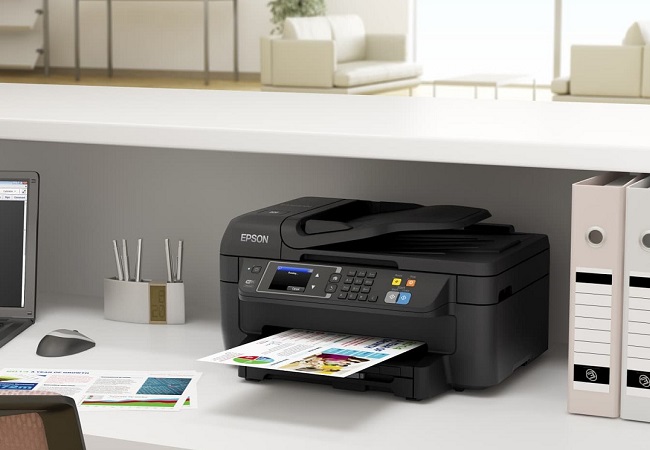

Additional features all-in-one printer Samsung SCX-3405:
Print Screen
The Print Screen button allows you to easily print what is on the screen of your monitor, and holding the button for more than two seconds allows you to print only the active window.
- Print Screen button
Print Screen
The Print Screen button allows you to easily print what is on the screen of your monitor, and holding the button for more than two seconds allows you to print only the active window.