
Razer Huntsman Elite Linear Switch (RZ03-01871000-R3M1)
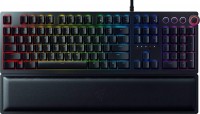 | Outdated Product Connection: wired; Type: for game; Form factor: 100% (full size); Layout: ANSI; Key profile: vysokyi; Switch technology: optical-mechanical; Switches: Linear (proprietary); Additional keys: 3; Anti-Ghosting; #KRO: 10-KRO; Fn key; Cyrillic colour: transparent; Volume control: wheel; Built-in memory |


 |
Close
We recommend products in stockKeyboards Razer →

play (for kids), optical-mechanical, 100% (full size), wired, additional keys: 4, backlight, RGB backlight

play (for kids), optical-mechanical, 100% (full size), wired, additional keys: 4, backlight, USB hub, RGB backlight
Razer Huntsman Elite Linear Switch Clicky (branded) Linear (proprietary) | |||||||||||||||||||||||||||||||||||||||||||||||||||||||||||||||||||||||||||||||
|
| ||||||||||||||||||||||||||||||||||||||||||||||||||||||||||||||||||||||||||||||


Proprietary opto-mechanical switches (pressure resource — up to 100 million). Ability to programme all buttons and record macros. Lighting with various effects and synchronization with other devices. Media control panel.
The information in the model description is for reference purposes.
Always clarify the specifications and configuration of the product with the online store manager before purchasing.
Catalog Razer 2025 - new arrivals, bestsellers, and the most relevant models Razer.
Always clarify the specifications and configuration of the product with the online store manager before purchasing.
Catalog Razer 2025 - new arrivals, bestsellers, and the most relevant models Razer.

Series Razer HuntsmanCompare using chart →

play (for kids), optical-mechanical, 80% (TKL, without Numpad), wired, backlight, RGB backlight

play (for kids), optical-mechanical, 100% (full size), wired, additional keys: 3, backlight, RGB backlight


play (for kids), optical-mechanical, 80% (TKL, without Numpad), wired, backlight, RGB backlight

play (for kids), optical-mechanical, 100% (full size), wired, additional keys: 4, backlight, RGB backlight

play (for kids), optical-mechanical, 80% (TKL, without Numpad), wired, additional keys: 2, backlight, RGB backlight
play (for kids), optical-mechanical, 100% (full size), wired, additional keys: 4, backlight, USB hub, RGB backlight


play (for kids), optical-mechanical, 100% (full size), wired, additional keys: 4, backlight, RGB backlight

play (for kids), optical-mechanical, 80% (TKL, without Numpad), wired, backlight, RGB backlight
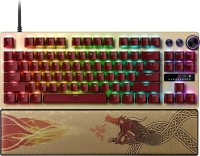
play (for kids), optical-mechanical, 80% (TKL, without Numpad), wired, additional keys: 2, backlight, RGB backlight
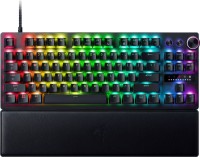
play (for kids), optical-mechanical, 80% (TKL, without Numpad), wired, additional keys: 2, backlight, RGB backlight
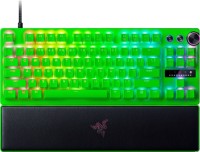
play (for kids), optical-mechanical, 80% (TKL, without Numpad), wired, additional keys: 2, backlight, RGB backlight
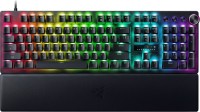
play (for kids), optical-mechanical, 100% (full size), wired, additional keys: 3, backlight, RGB backlight

play (for kids), optical-mechanical, 100% (full size), wired, additional keys: 3, backlight, RGB backlight





Model overview based on user reviews
The Razer Huntsman Elite Clicky Switch keyboard is highly praised for its convenience, responsive performance, and customizable RGB lighting. Users appreciate the comfortable and soft detachable wrist rest, which is especially beneficial for high-profile keyboards. The keyboard's durable build and responsive keys make it ideal for gaming, with quick pressure response and the ability to assign macros to single buttons. However, some users note that the keyboard is overpriced and not perfectly quiet, with the keys being audible in adjacent rooms. The lighting is impressive but requires two USB ports, and there are compatibility issues with other lighting systems like ASUS Aura. Despite these drawbacks, the keyboard's design, functionality, and build quality make it a favored choice among users.
Pros
Cons
- no annoying click like clicky switch - very responsive in games (just a few ms) - quiet keystrokes in games - assign macros to one button - convenient volume control dial - soft detachable wrist rest (indispensable for high-profile keyboards like Razer) - software (complicated at first, but then everything is easily configured) - Latin and Russian letters look nice (backlit keyboards often have huge problems with lettering) - durable cable with a tie in the middle (convenient to bundle computer cables together) - overpriced - not perfectly quiet - smelled strongly of artificial leather on the first day - no synchronization with ASUS Aura, and as for Palit, I won't even mention it (now to create a uniform lighting color, you need to access Razer, Armoury Crate, and Thunder Master - this is about the lack of compatibility between companies) - a large desk is needed to move the keyboard aside and stretch your arm on the wrist rest (at a short distance, it's more comfortable without the wrist rest) - Russian letters are only half-lit (it's usable, but for such an expensive keyboard, they could have thought of this detail) - not bright enough in daylight - two USB 2.0 ports for power supply (understandable that the lighting consumes a lot, but this can be a limitation for some) - stiff cable (because it's durable)  LETS DO SMTH: use Razer Huntsman Elite Clicky Switch less than month LETS DO SMTH: use Razer Huntsman Elite Clicky Switch less than month |
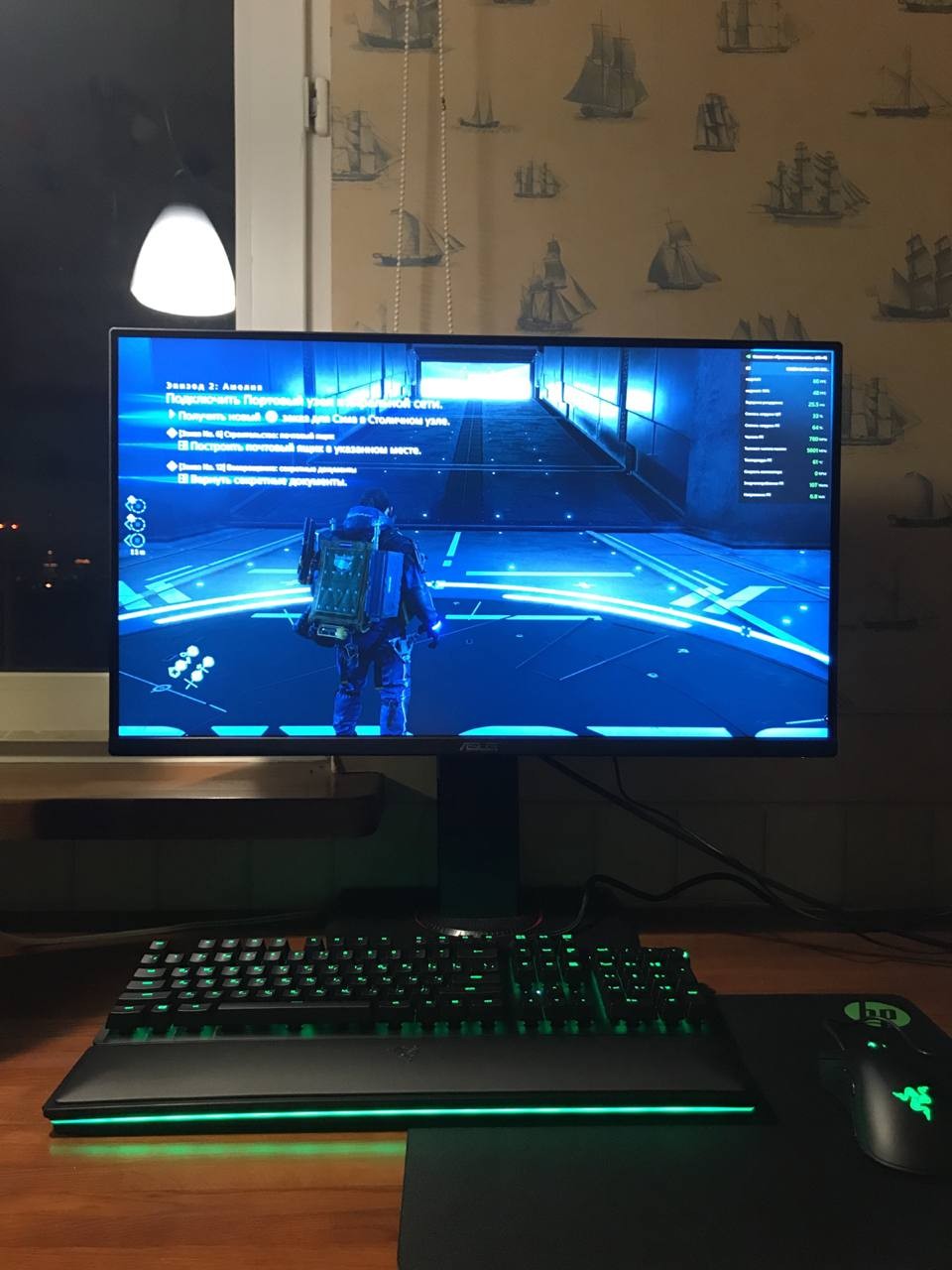
Bought this keyboard a couple of weeks ago. Very happy with the purchase. I got used to it in just a couple of days as it is comfortable. I really liked the materials. Pleasant and not easily soiled plastic, excellent and soft arm rest, which you get used to very quickly. Very cool lighting. It can be considered a separate plus. I liked that it can be flexibly configured. And she shines well. During the day, everything is perfectly visible, at night, after setting the brightness, it is very comfortable to play or work with it, it does not distract. It responds to pressure very quickly and clearly. In general, I am very pleased with the keyboard. Convenience, arm rest, backlight - use Razer Huntsman Elite Clicky Switch less than month |
Add Review
Video reviews

Razer Huntsman Elite 1 Minute Review #Shorts
28 January 202142 546 view
Razer's Best Gaming & Editing Keyboard | Razer Huntsman Elite Honest Review (2021)
23 February 202114 448 view

RAZER Huntsman Elite Unboxing. Tech Series Ep 1
30 May 20209 018 view

New Headset, Gym/Fitness, Razer Huntsman Elite - TechBlock Vlog #3
14 July 20184 010 view
Razer Huntsman Elite Optical Mechanical Switch Luxury Gaming Keyboard
10 August 20223 859 view

Razer Huntsman Elite Gaming Keyboard Unboxing \\ Linear Optical Switches
29 April 20211 255 view
Razer Huntsman Elite and Razer Viper Ultimate Unboxing!
19 June 20201 134 view

Razer Huntsman Elite - Gaming Keyboard for Game Winners
30 May 20211 079 view

Razer Huntsman elite Keyboard & Mouse Sounds ASMR Fortnite Titled Towers Gameplay
13 January 2023881 view
Razer Huntsman Elite - RGB
29 March 2019690 view

RAZER HUNTSMAN ELITE [F.P.I ASMR] 레이저 헌츠맨 엘리트 [일인칭 ASMR 리뷰]
8 April 2020655 view

Razer Huntsman Elite Mini Unboxing
5 September 2020432 view

Razer Huntsman Elite Unboxing
10 February 2020416 view

Razer Huntsman Elite Gaming Keyboard Unboxing!
27 May 2021411 view

Razer Huntsman Elite Best Gaming Keyboard Review!
6 June 2019331 view

Today's unboxing video is Razer Huntsman Elite
23 March 2020297 view

Unboxing Razer Huntsman Elite Optical Mechanical Gaming Keyboard
19 December 2018218 view

ASMR Gaming Razer Huntsman elite Satisfying Keyboard 1v1.lol
19 June 2021183 view
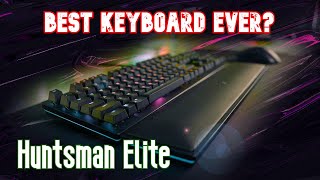
Razer Huntsman Elite Review! Is it still worth it?
23 May 2020164 view
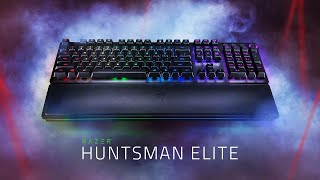
UNBOXING THE RAZER HUNTSMAN ELITE
28 April 2021156 view

Best Gaming Keyboard? Razer Huntsman Elite Review
5 May 2021114 view
Tip: To adjust the color for all keys in Synapse, use fill in the editor. (Spent 10 minutes figuring out how to do this)
Keep in mind that the keys have no tactile feedback, they are very light. It’s difficult to quickly get the hang of the software, there are many different specific functions, but it’s worth figuring out as it benefits both gaming and lighting. I bought this switch model - linear optical switch on Razer's official site.