Mercusys MW150US
 |
 |
One of the most affordable ultra-compact N150-class Wi-Fi adapters with USB 2.0 interface. It is positioned as the most affordable product in the base price category of 2019. It is an easy and cheap way to connect a personal computer, HTPC or NAS system to a wireless network in the 2.4 GHz band. It can also be used as an alternative Wi-Fi adapter in laptops. It features impressively small dimensions, which are only slightly larger than the dimensions of a USB connector.
When connected to a laptop or ultrabook, it almost does not protrude beyond the body of the device, so it does not need to be turned off when transporting a mobile computer in a bag or backpack. The Mercusys MW150US Wi-Fi adapter has one built-in antenna and is fully compatible with 802.11b/g/n Wi-Fi routers and access points. It can provide connection speeds up to 150 Mbps, which guarantees trouble-free surfing, fast operation of web applications and cloud services, streaming video viewing and comfortable network gaming. The bandwidth is sufficient for HD video conferencing and voice communications. The adapter is compatible with all popular versions of operating systems from Windows XP to Windows 10.
|
| ||||||||||||||||||||||||||||||||||||||||||||||||||||||

Always clarify the specifications and configuration of the product with the online store manager before purchasing.
Catalog Mercusys 2025 - new arrivals, bestsellers, and the most relevant models Mercusys.

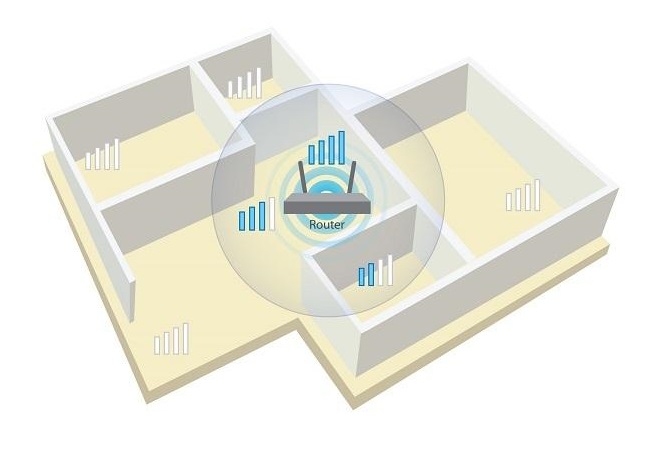
I bought it for 250 UAH, but because it doesn’t have an external antenna, its speed is very low, up to 10 Mbps, but that's not the end. The adapter worked for me for half a year, and then it started disconnecting from the internet, which really annoyed me. At first, I tried to find the driver from the official website, found it, and the installer said the adapter wasn't found. Then I downloaded a basic 802.11n driver through the device ID, and it worked for half a year and then started to fail. little The driver for it can be found, but the adapter itself throttles due to overheating, resulting in a drop in speed and connection interruptions. |

i'll update after a year cost constantly overheats and, as a result, low speed and large packet losses, weak signal  V: use Mercusys MW150US more than year V: use Mercusys MW150US more than year |
Price, the ability to use a PC as an access point does not connect at 40 Hz channel width. Make sure to set only 20 MHz in the router settings. weak signal when using a PC as a hotspot (through a thick wall, the signal drops to the minimum, video in 1080p does not load) V: use Mercusys MW150US few months |