
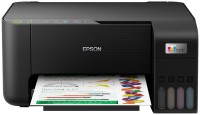
Epson Expression Home XP-423
 | Outdated Product Paper size: A4; Print Type: inkjet; Output Type: colour; B/W printing (ppm): 33; Colour printing (ppm): 15; Photo printing (sec/page): 38; Black Ink Page Yield (pages): 130; Colour Ink Page Yield (pages): 150; PC connection (USB); Wi-Fi: Wi-Fi 4 (802.11n); card reader; Wi-Fi Direct; AirPrint |


 |



|
| |||||||||||||||||||||||||||||||||||||||||||||||||||||||||||||||||||||||||||

Always clarify the specifications and configuration of the product with the online store manager before purchasing.
Catalog Epson 2026 - new arrivals, bestsellers, and the most relevant models Epson.
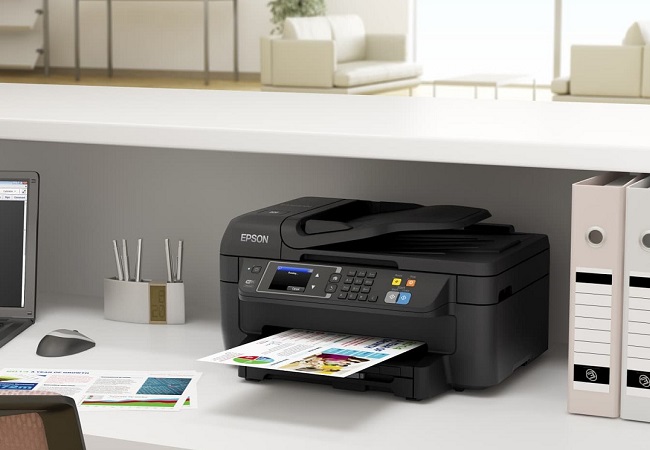






Epson MFPs from the Expression Home line are designed primarily for printing colour documents on office paper. Although they do a good job of printing pictures on photo paper. And their main advantage is ease of use and network functions.
Printing without a computer
The XP-423 reads photos from SD, SDHC, SDXC cards and displays them on a 2.5-inch colour screen. Therefore, it is convenient to use the MFP even without a computer to print pictures taken with a camera or smartphone. Unlike the more affordable model from the same Epson XP-323 line, it is also equipped with a touch control panel. And his photo editing capabilities are limited, although they can be useful, for example, to remove the red-eye effect.
Network Features
The XP-423 allows you to print directly from Android and iOS smartphones and tablets without using a Wi-Fi router. And with Apple devices, you can use AirPrint technology. And the Epson Connect app allows you to print from mobile gadgets even when you are away from the MFP. To do this, the MFP must be connected to a Wi-Fi network.
How to save on printing?
Compared to other MFPs, the XP-423 has a low yield of standard cartridges. Black is 130 pages, and three colours is 150 pages. To save money, we recommend purchasing higher yield cartridges. Their resource is three times more, but they cost only twice as much. The most profitable option is a set of high-capacity cartridges C13T17164A10 — it is cheaper by 10% than four of these "consumables" separately.
XP-423 — MFP with good features at a small price. The Expression Home models are the most balanced. MFPs from the L series are equipped with CISS, but are not as functional. And the Expression Premium models print photos better, but are noticeably more expensive.
- Support for Epson Connect, Apple AirPrint and Google Cloud Print