Dell UltraSharp UP2716D 27 " black
 | Outdated Product Product type: monitor; Size ("): 27; Panel type: AH-IPS; Treatment: anti-glare; Resolution: 2560x1440 (16:9); Response time GtG (ms): 6; Viewing angle vert.: 178; Horizontal viewing angle: 178; Brightness (cd/m²): 300; Static contrast: 1 000:1; Colour depth: 1.07 billion colours (8 bits + FRC) |


 |
|
| ||||||||||||||||||||||||||||||||||||||||||||||||||||||||||||||||||||||||||||||


Always clarify the specifications and configuration of the product with the online store manager before purchasing.
Catalog Dell 2026 - new arrivals, bestsellers, and the most relevant models Dell.


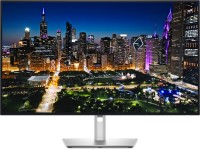




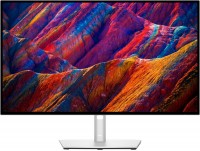
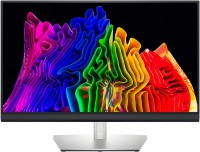


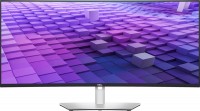

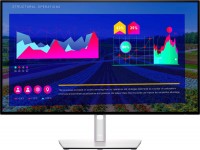

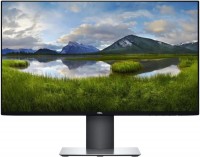
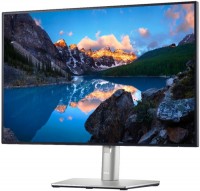






Golden Middle for Graphic Work
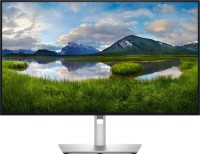
The Dell UP2716D seems to be an excellent solution for customers seeking a golden middle for graphic work. It provides good image quality with decent color coverage, without overpaying for some specialized features found in EIZO and NEC displays.
Wide Color Gamut Coverage
The base of the Dell UP2716D is a 27-inch panel with Quad HD resolution (2560×1440 pixels) and 10-bit color depth. As previously mentioned, in terms of specifications, it nearly matches professional monitors that cost one and a half to two times more, offering the user 100% color coverage for the standard Adobe RGB and sRGB, as well as 98-100% for the new color spaces REC 709 and DCI-P3.
A special commendation goes to the system compensating for backlight uniformity and factory color calibration. While achieving 99-100% in sRGB often requires meticulous manual adjustment in many monitors, the Dell UP2716D is almost perfectly calibrated straight from the factory.
Frameless Design
The Dell UP2716D has an interesting appearance. If described in one word, the epithet "inconspicuous" would suit it best. And that is by no means a drawback. The fact is that the UP2716D almost has no external frames, and the internal ones (except for the bottom) are so thin they are practically invisible. If such framelessness has become usual for smartphones over the last year, it is still exotic in professional monitors.
Convenient Position Adjustment
Therefore, the first thing you notice when looking at the monitor is its massive plastic stand with a cutout in the center. It allows you to adjust the monitor to the desired height (limit 125 mm), tilt it backward or forward up to 25 degrees, rotate it 45 degrees sideways, or switch to portrait mode. Particularly convenient is that the screen can be detached from the stand with a simple move using a special latch. After that, it can, for example, be mounted on a wall using a VESA mount.
Wide Connectivity Options
Ports for communication with the external world are hidden at the back of the case: a pair of HDMI, a hybrid DisplayPort/mini DisplayPort, and a USB 3.0 hub. In addition, there is a KVM switch, which allows you to display images from two different computers on the screen and control them with just one keyboard and mouse. The monitor lacks built-in acoustics, which could be considered a downside, but it has a 3.5 audio output allowing sound to be output directly from the monitor. Considering most people have long established a pair of favorite speakers on their desk, it’s hard to call this a disadvantage.