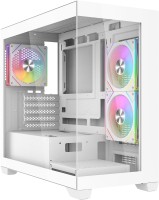
Aerocool P300C black (ACCS-PN02033.11)
 |

 |
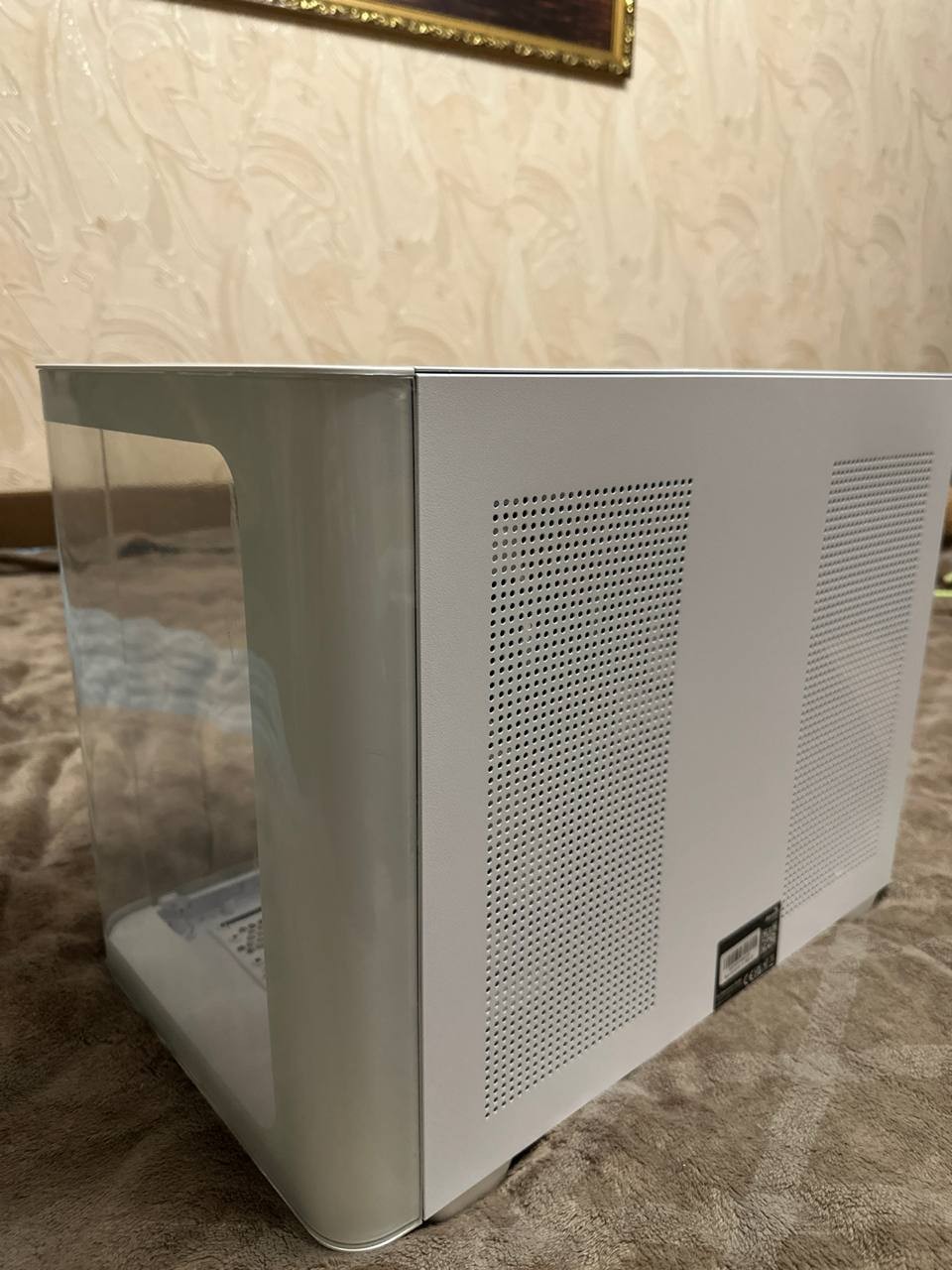
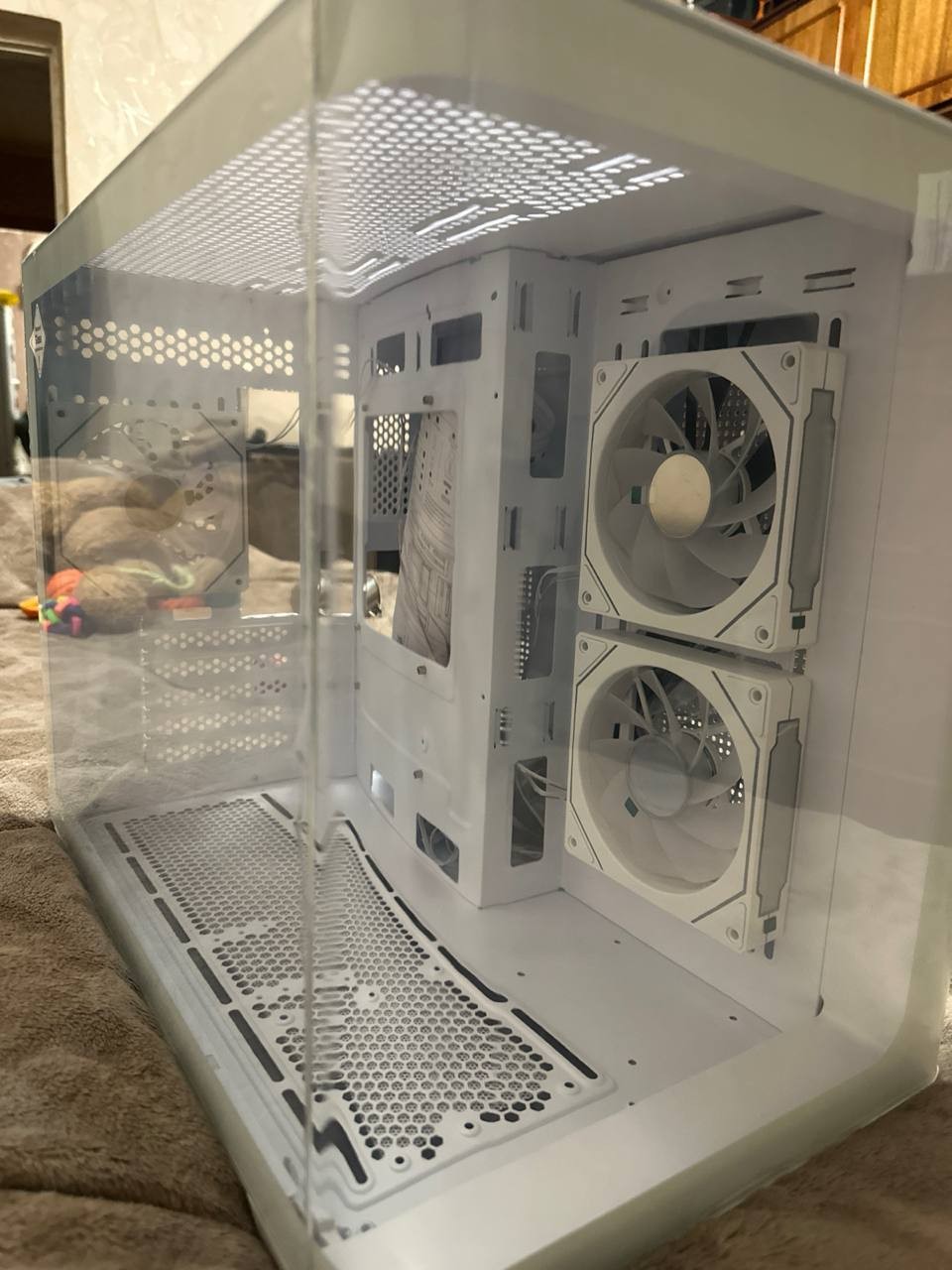
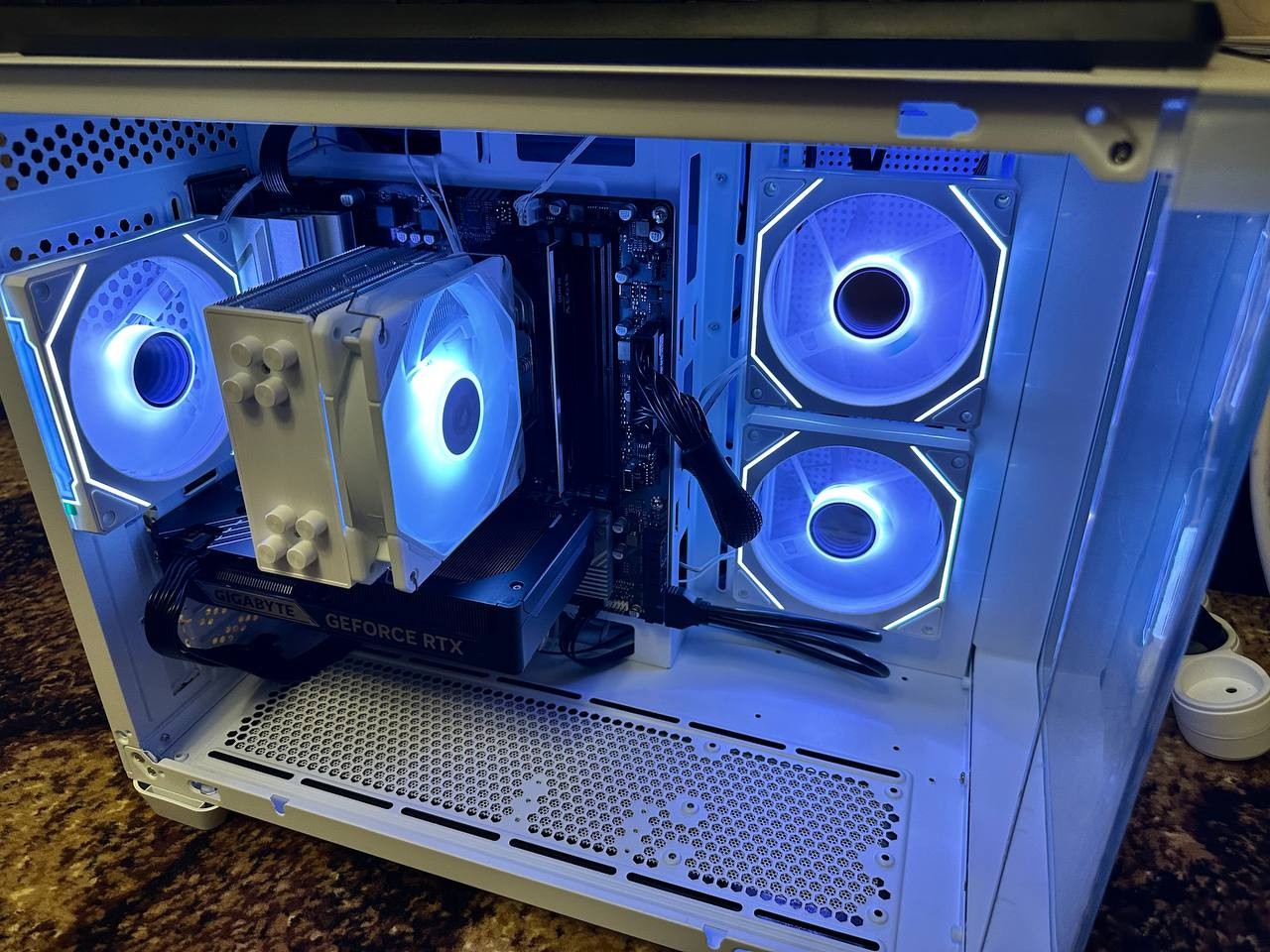
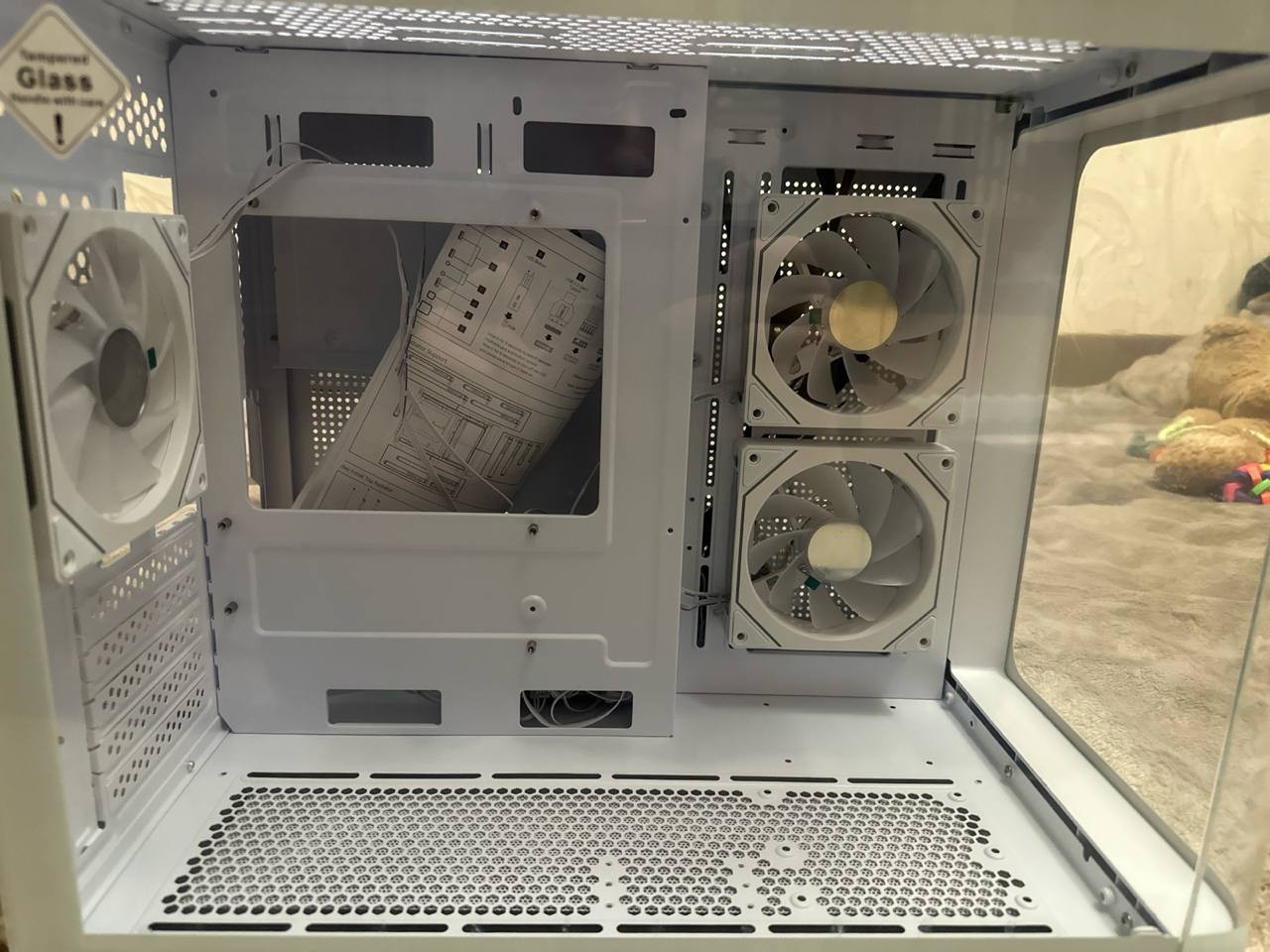
Spacious gaming case in Mini Tower format, introduced to the market by the Aerocool brand in 2025. The model is designed under the "aquarium" concept and features an increased internal volume while maintaining compact dimensions. Glass panels on several sides showcase the internal components, while the steel construction with 0.6 mm thickened walls provides enhanced rigidity.
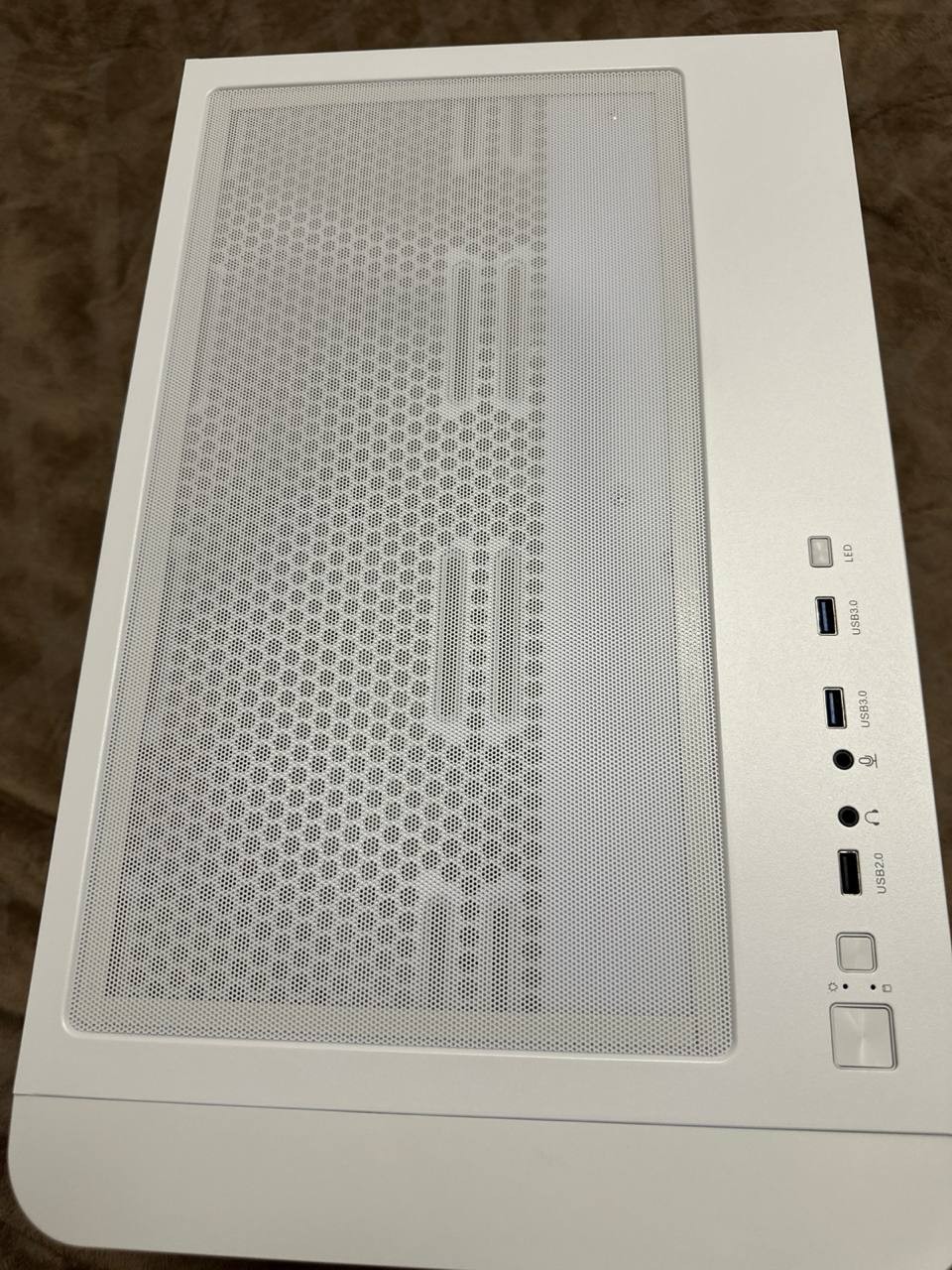
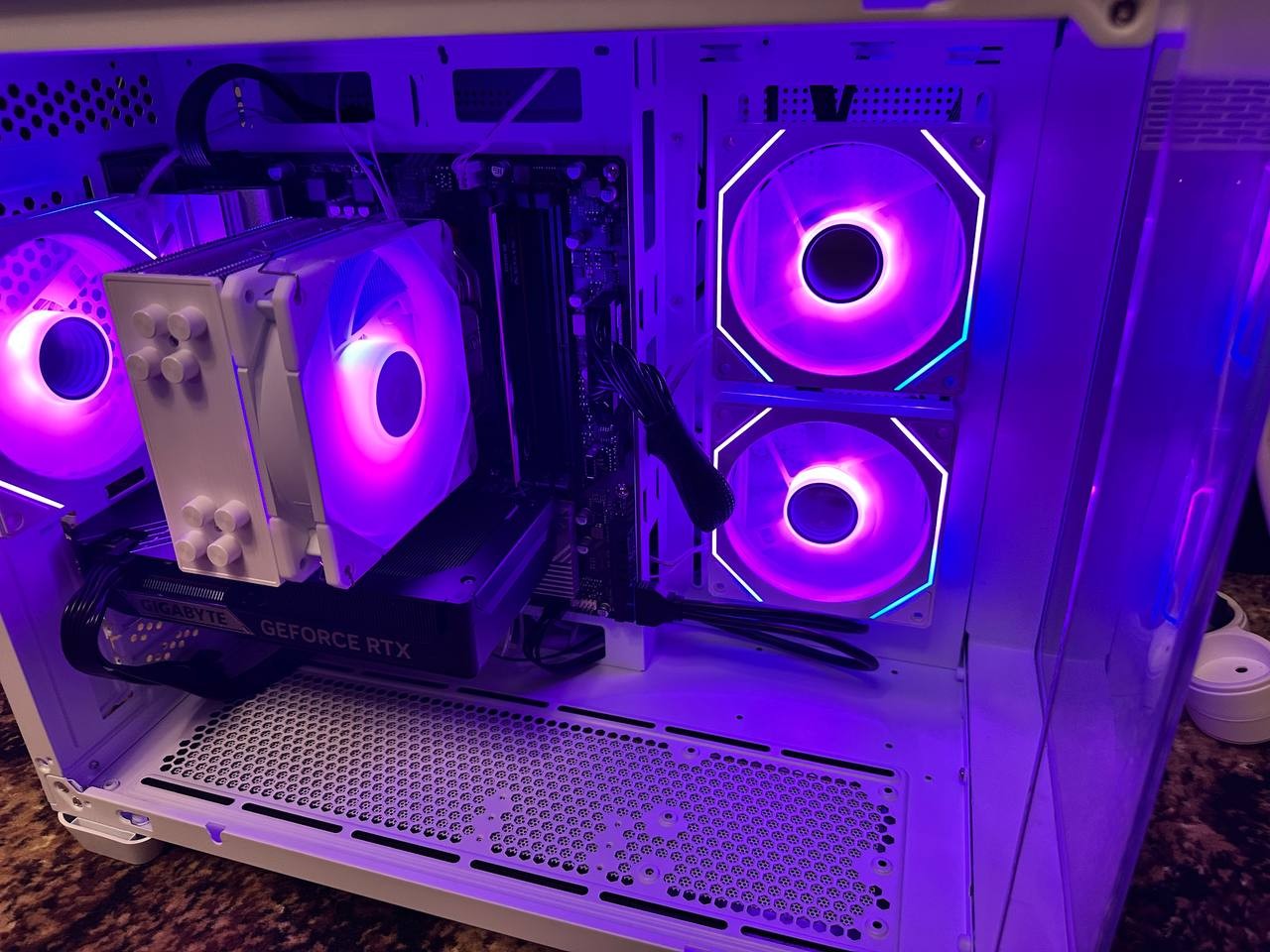
The Aerocool P300C case impresses with its internal space — it supports graphics cards up to 450 mm in length and power supplies up to 229 mm, allowing for the use of virtually any modern components. Three pre-installed fans with ARGB lighting create a striking glow, and nine mounting locations allow for flexible cooling configurations. The capabilities for installing liquid cooling systems are particularly impressive — four positions, including radiators up to 360 mm on the top and bottom, which is rare in compact cases. Dust filters on the top and bottom protect against contamination, and the hidden cable routing system ensures a neat assembly. The top panel is equipped with two USB 3.2 gen1 ports, one USB 2.0 port, and a combined audio jack. Synchronization of ARGB lighting with the motherboard allows for a unified lighting scheme for the entire system.
|
| ||||||||||||||||||||||||||||||||||||||||||||||||||||||||||||||||||||||||||||||||||||||||||||||||||||||||||||||||||||||||||||||


Always clarify the specifications and configuration of the product with the online store manager before purchasing.
Catalog Aerocool 2026 - new arrivals, bestsellers, and the most relevant models Aerocool.






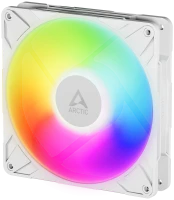


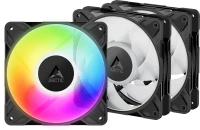


I don't think you'll find anything better for this kind of money, it's love at first sight. The case comes with three ARGB fans right away. My 244x244 mm motherboard doesn't block any of the fans like with some other manufacturers, there's plenty of space. The connection is very convenient, the lighting comes with a hub that has an extra port for another fan, both for power and for lighting, where I connected the lighting of my CPU cooler, and they synced perfectly. You can control the lighting both with a button on the case and with the motherboard app. To make the lighting work from the app, simply hold down the button (for the lighting) on the case. Connecting the lighting is very straightforward: SATA to the power supply, ARGB (3 pin) to the motherboard, and FAN to the motherboard. Very nice design, easy connection, USB and buttons on the top panel. Lacks USB-C  Mykola Mohylnyk: use Aerocool P300C White less than month Mykola Mohylnyk: use Aerocool P300C White less than month |